Sound and jacket
Descript
Edit recorded audio by editing the transcript. Cut a retake by deleting a sentence. Overdub can patch a flubbed word in your own voice, which is either a gift or a temptation depending on how honest the recording should stay. Built for people who record themselves, not for fully synthetic casts.
Best for
Authors who record their own audiobook or podcast and want to edit sound the way they edit a document.
Pricing
Freemium. Free tier for short projects. Paid plans add transcription hours, Overdub, and fewer export limits.
Listing checked 14 October 2026. Plans move. The vendor's page wins an argument with this one.
In-depth review
Descript review
Last checked 14 October 2026 against the vendor's public pages. Prices and features change; check the vendor before you buy.
Writer's Toolbelt review
Descript
Edit audio and video by editing a transcript. Ideal for author podcasts, trailers and self-recorded audiobooks.
- Free plan
- Hobbyist per month, annual
- creators and teams (vendor figure)
What it is
Descript is an AI audio and video editor whose signature idea is text-based editing: it transcribes your recording, and you "edit video by editing a doc." Its AI co-editor, Underlord, can do edits for you when you direct it, and the platform covers recording, editing, refining, sharing and repurposing clips.
For writers, Descript is a production tool. It's for editing an author podcast, a book trailer, a launch livestream or an audiobook you narrate yourself. It doesn't write.
Who it's for
- Authors who record: podcasts, YouTube, readings, self-narrated audiobooks.
- Writers who hate timelines. Editing words on a page is natural if you live in documents.
- Small author businesses making social clips from longer videos.
Key features in practice
- Transcription and text-based editing. Drop in footage, a Zoom call or audio, and Descript "transcribes it in seconds". Delete words in the transcript to cut them from the media.
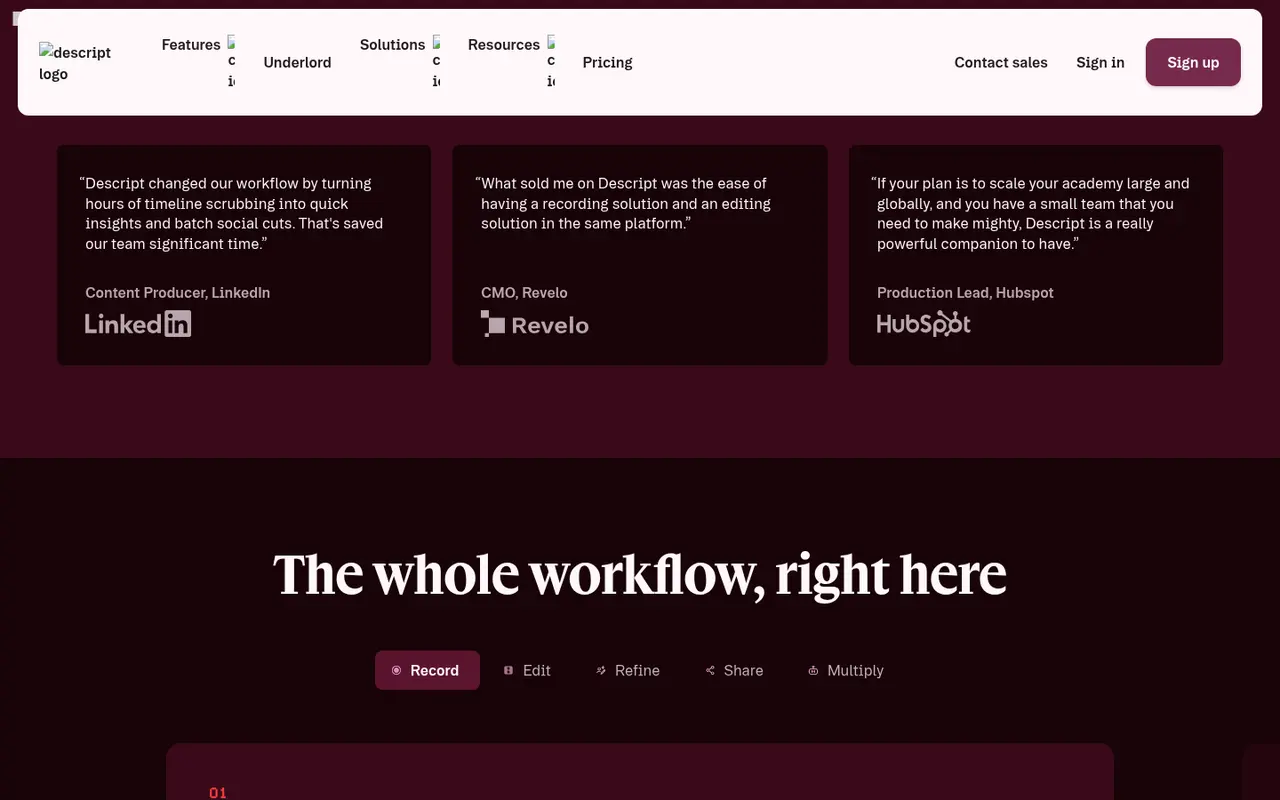
- Underlord AI co-editor. Available on paid plans, with "full access" and 20+ more AI tools from Creator.
- Recording. Recording sessions with room participants, from 2 hours on Free to 25 hours a month on Business.
- Exports. Watermark-free 1080p on Hobbyist and 4K on Creator.
- Stock media and AI video. Creator adds an unlimited royalty-free stock library and video generation with the latest AI models.
- Brand Studio and avatars on Business.
Pricing (checked 14 October 2026)
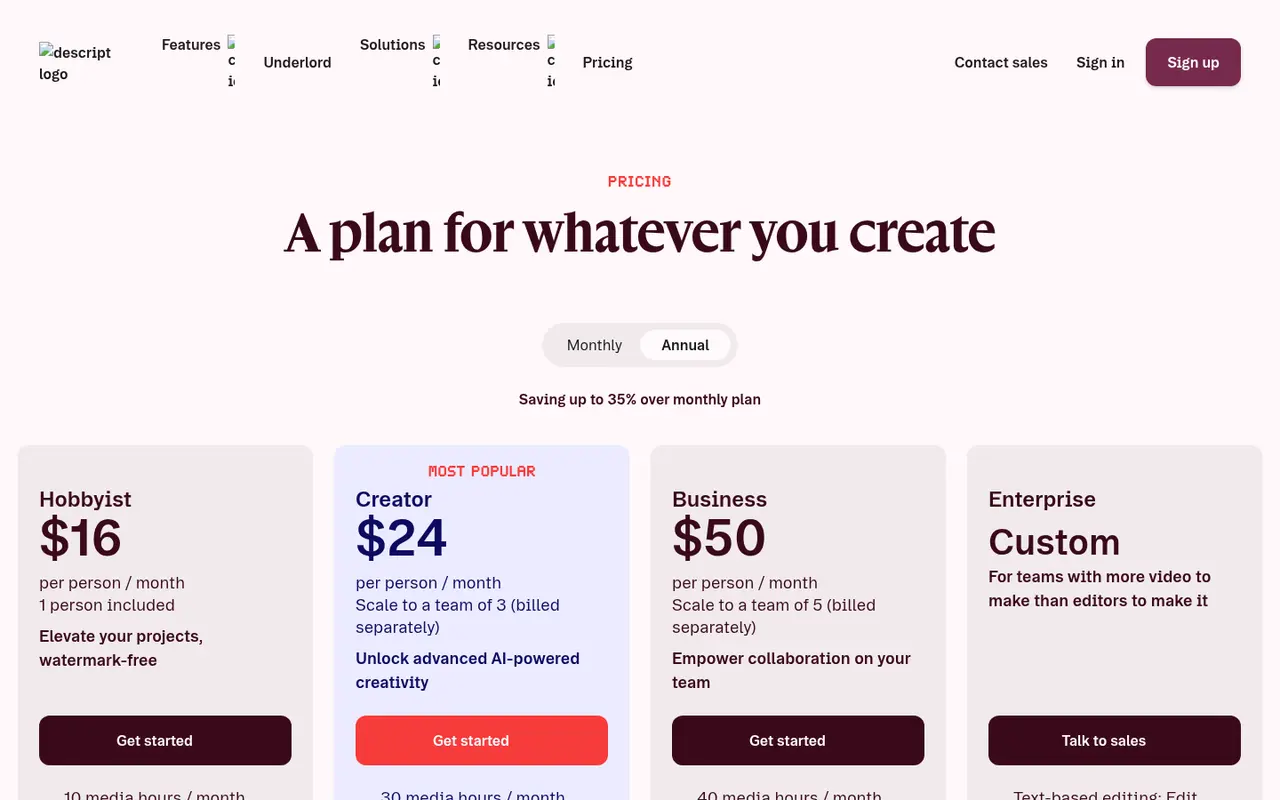
| Plan | Annual billing | Monthly billing | Media hours / AI credits |
|---|---|---|---|
| Free | $0 | $0 | 1 hour/month, 100 AI credits (one-time) |
| Hobbyist | $16 | $24 | 10 hours, 400 credits/month |
| Creator | $24 | $35 | 30 hours, 800 credits/month |
| Business | $50 | $65 | 40 hours, 1,500 credits/month |
| Enterprise | Talk to sales | — | Sized to team |
All prices are per person per month. Top-ups for media hours and AI credits are available on Creator and Business.
Pricing at a glance
Billed monthlyBilled yearly
- Free1 media hour/mo, 100 one-time AI creditsFree
- Hobbyist10 media hours, 400 AI credits/mo$24/mo$16/mo
- Creator30 media hours, 800 AI credits/mo$35/mo$24/mo
- Business40 media hours, 1,500 AI credits/mo$65/mo$50/mo
Using it as a writer
- Record a chapter straight into Descript, then edit the transcript like a manuscript: remove flubs, tighten pauses, fix repeated takes.
- Use AI tools for cleanup, but listen to the result. Over-processed narration sounds artificial.
- Cut social clips from a reading or interview. A strong 30-second excerpt is often your best marketing.
- Turn a launch livestream into a trailer using the stock library on Creator.
- Count media hours. A full self-narrated novel can mean many hours of raw recording, so check which plan's allowance fits.
Strengths
- Text-based editing is fast and intuitive for writers.
- Free plan to learn the workflow.
- All-in-one: record, edit, publish and repurpose.
- Clear per-plan allowances for hours and credits.
Writer's Toolbelt editorial scores
Descript scorecard
7.6/10
- Editing speed9/10
- Audio and podcast tools8/10
- Ease of use8/10
- Fit for authors6/10
- Value for money7/10
Weaknesses
- Not a writing tool. It is only useful if you make audio or video.
- Usage allowances limit long projects on the lower tiers.
- Monthly billing costs noticeably more than annual.
- Narration still needs your voice (or a voice tool such as ElevenLabs).
How it compares
- Descript vs ElevenLabs. ElevenLabs generates speech from text. Descript edits recordings. Many creators use both.
- Descript vs Murf. Murf generates voiceovers. Descript edits what you record.
- Descript vs Canva. Canva handles quick social video and graphics, while Descript goes deeper on spoken-word editing.
Feature comparison
AI voice and audio tools compared
| Feature | ElevenLabs | Murf | Speechify | Descript |
|---|---|---|---|---|
| Free plan | Yes | Yes | Yes | Yes |
| Lowest listed paid price | Yes$6 | Not listed | Yes$29 | Yes$16 |
| All paid tiers have published prices | Yes | PartlySome tiers: contact sales or check vendor site | Yes | Yes |
| Competes with ProseEngine (we disclose) | No | No | No | No |
Verdict
If you record your own voice for audiobooks, podcasts or video, Descript is one of the friendliest editors available, and its text-based model suits writers. If you don't record, skip it.
FAQ
Is Descript free? Yes. The free plan includes 1 media hour a month and 100 one-time AI credits.
How much is Descript? Hobbyist is $16 per person per month on annual billing ($24 monthly). Creator is $24 ($35), and Business is $50 ($65).
Can I produce a self-narrated audiobook in Descript? You can record and edit narration. Mastering for retailer specifications may need extra steps.
Nearby on the shelf
Audiobooks and covers
Adobe Firefly
Generative image tools trained with an eye on licensed stock, and wired into Photoshop. That does not make every output a cleared book cover, but the paper trail is easier to explain to a publisher than a random model checkpoint. The pictures can look like stock. Sometimes that is what a nonfiction cover wants.
Best for Authors already in Photoshop who want generative fills and a more legible commercial story.
FreemiumFiction and nonfictionAudiobooks and covers
Canva Magic Studio
Templates, Magic Media images, and Magic Write copy in the same place you will actually export a paperback wrap or an Instagram square. The risk is the Canva look: competent, familiar, and easy to spot. A fine way to ship a decent ebook cover or launch graphic if you push past the first template.
Best for Authors who need a workable cover, social graphics, and a blurb draft without hiring a designer yet.
FreemiumFiction and nonfictionAudiobooks and covers
ElevenLabs
The narration tool writers mean when they say the voice finally sounds human. You can clone a voice or cast from a library and generate chapter audio. Credits disappear on long books, and a retail audiobook has legal and quality bars this preview does not clear by itself. Read the license before you sell anything.
Best for Audiobook prototypes and performance-quality narration, after you have read the commercial terms.
FreemiumFiction and nonfiction