Sound and jacket
Speechify
Text-to-speech for hearing a draft read back, which is a legitimate editing trick, plus production voices if you want audio of an article or short piece. It is less of a performance studio than ElevenLabs and more of a pair of ears. Hearing a clunker is the feature.
Best for
Hearing your own manuscript, and straightforward narration that does not need a directed performance.
Pricing
Freemium. Free listening with limits. Premium unlocks more voices and higher-quality playback.
Listing checked 14 October 2026. Plans move. The vendor's page wins an argument with this one.
In-depth review
Speechify review
Last checked 14 October 2026 against the vendor's public pages. Prices and features change; check the vendor before you buy.
Writer's Toolbelt review
Speechify
A text-to-speech reader that reads your drafts aloud on every device. A proofreading secret weapon.
- users (vendor figure)
- natural voices on Premium
- Premium per month, billed monthly
What it is
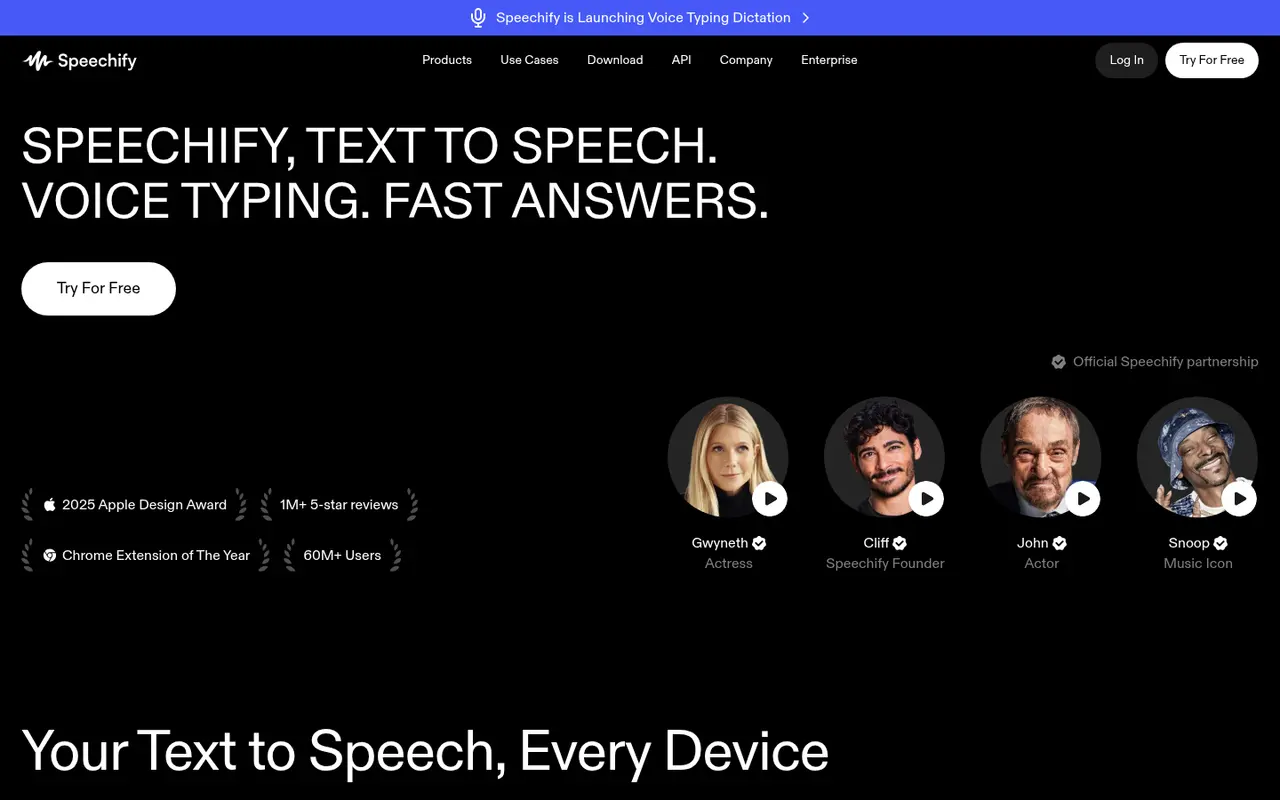
Speechify is a text-to-speech app that reads "PDFs, docs and more" aloud on iPhone, iPad, Android, Chrome, Edge, the web, Mac and Windows. It has added voice typing dictation ("write 5× faster"), AI podcasts, a Voice AI Assistant and creator tools such as an AI voice generator, voiceover, dubbing and Studio Voices. It claims 60M+ users and cites a 2025 Apple Design Award.
Who it's for
- Every writer who proofreads. Hearing your text exposes typos, clunky rhythm and repeated words.
- Writers who dictate. Voice typing helps draft away from the keyboard.
- Readers with dyslexia or visual fatigue.
Key features in practice
- Read aloud any document or web page, with speed control.
- Voices: 10 robotic voices on Free and 1,000+ natural voices on Premium.
- Voice typing dictation.
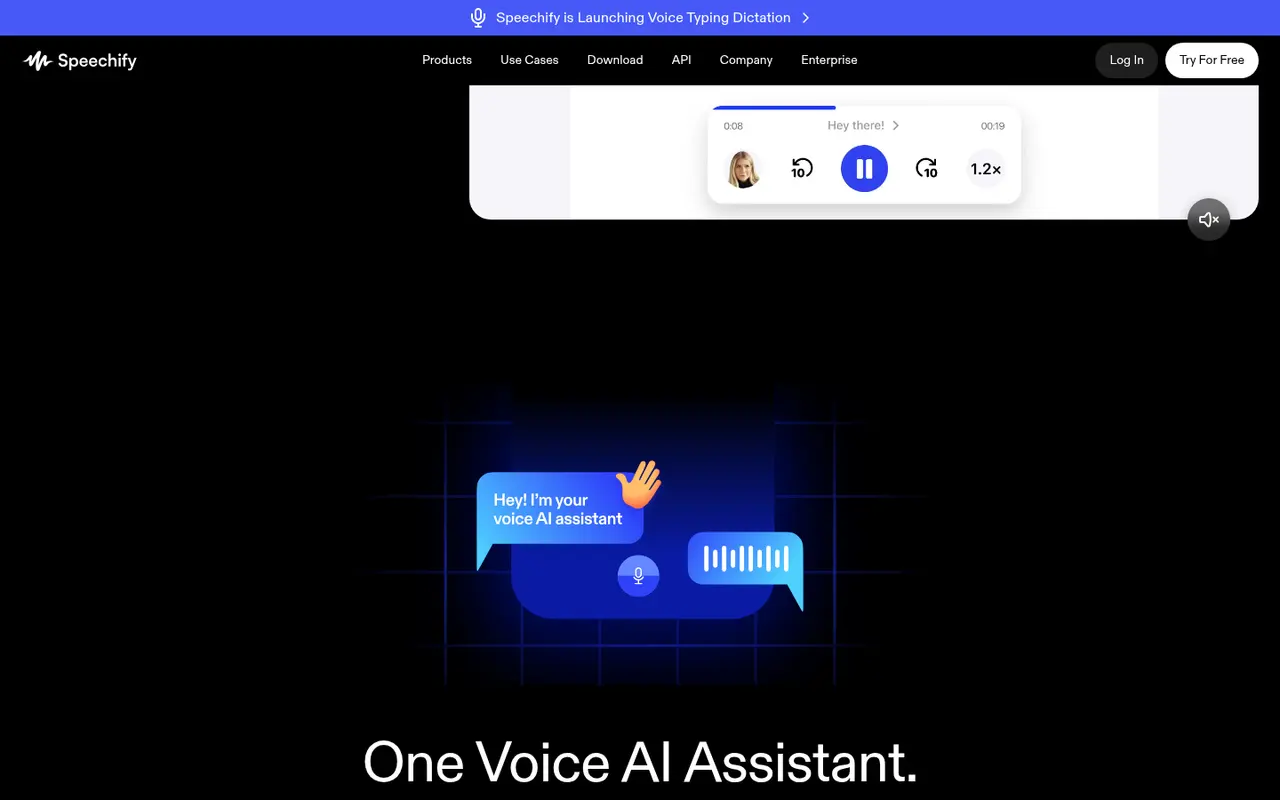
- Voice AI Assistant on Premium: "talk to Speechify about anything, including any website or book."
- Creator tools (voiceover, dubbing, studio voices) as separate products.
Pricing (checked 14 October 2026)
| Plan | Price | Includes |
|---|---|---|
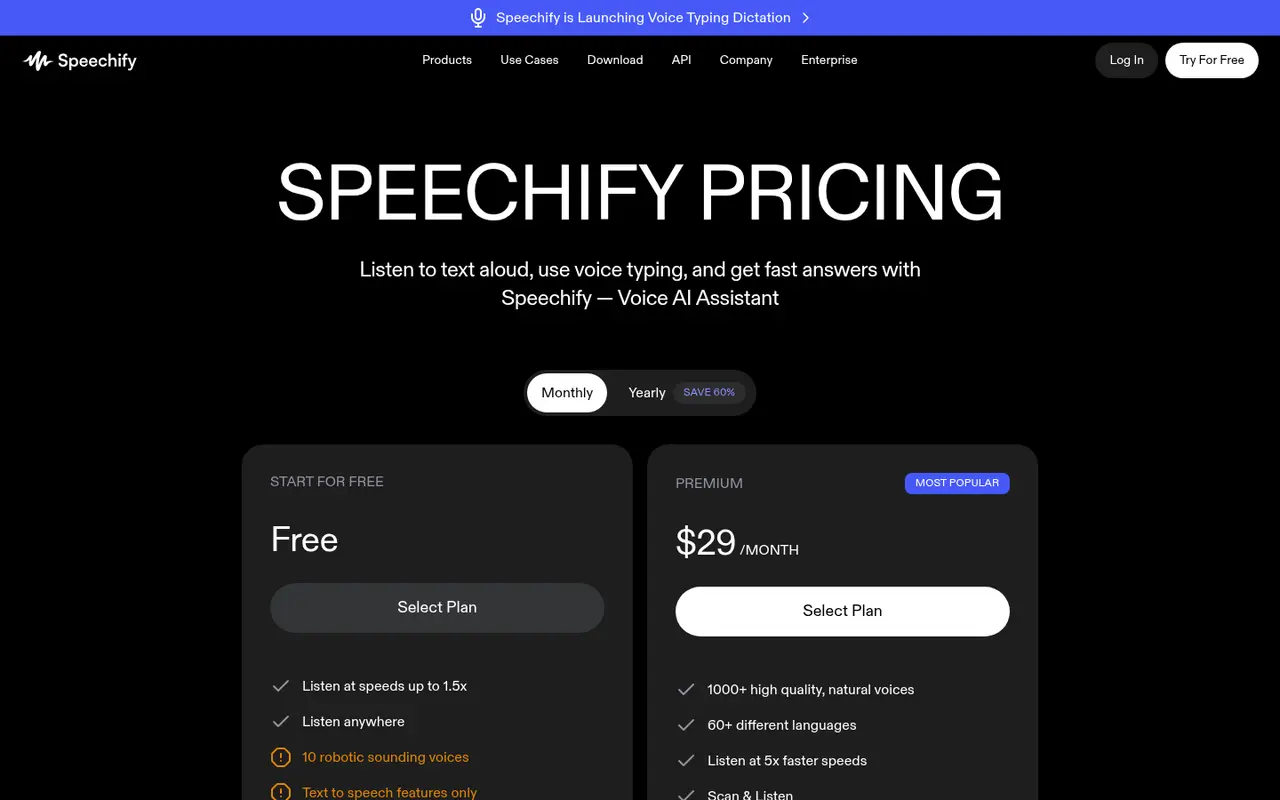
| Free | $0 | Speeds up to 1.5x, 10 robotic voices, text to speech only |
| Premium | $29/month billed monthly | 1,000+ natural voices, Voice AI Assistant |
Yearly billing advertises "Save 60%". Check the yearly price on the vendor site.
Pricing at a glance
- Free10 robotic voices, up to 1.5x speedFree
- Premium1,000+ natural voices, Voice AI Assistant$29/mo
Using it as a writer
- Listen to every chapter before you send it out. Mark stumbles in your manuscript as you hear them.
- Use a natural voice if you can. Robotic voices hide rhythm problems.
- Dictate first drafts on walks with voice typing.
- For publishable audiobooks, use a production tool such as ElevenLabs. Speechify is mainly a reader.
Strengths
- Works on every device.
- Excellent for proofreading by ear.
- Free tier for basic listening.
Writer's Toolbelt editorial scores
Speechify scorecard
7.6/10
- Proofreading by ear9/10
- Voice quality8/10
- Device coverage10/10
- Audiobook production5/10
- Value for money6/10
Weaknesses
- Premium is expensive on monthly billing.
- The free voices are robotic.
- Not primarily an audiobook production tool.
How it compares
- Speechify vs ElevenLabs. ElevenLabs creates audio for publishing. Speechify reads to you.
- Speechify vs Murf. Murf focuses on voiceover production.
- Speechify vs built-in OS readers. Free system readers can do basic read-aloud.
Feature comparison
AI voice and audio tools compared
| Feature | ElevenLabs | Murf | Speechify | Descript |
|---|---|---|---|---|
| Free plan | Yes | Yes | Yes | Yes |
| Lowest listed paid price | Yes$6 | Not listed | Yes$29 | Yes$16 |
| All paid tiers have published prices | Yes | PartlySome tiers: contact sales or check vendor site | Yes | Yes |
| Competes with ProseEngine (we disclose) | No | No | No | No |
Verdict
Speechify is the most convenient way to hear your manuscript anywhere. The free plan covers basic proofreading, and Premium is worth it on yearly billing if you listen daily.
FAQ
Is Speechify free? Yes, with 10 robotic voices and up to 1.5x speed.
How much is Premium? $29 a month billed monthly as of 14 October 2026. Yearly billing is cheaper.
Can I publish audiobooks with Speechify? It has voiceover tools, but its core is reading aloud. Check the licence terms first.
Nearby on the shelf
Audiobooks and covers
Adobe Firefly
Generative image tools trained with an eye on licensed stock, and wired into Photoshop. That does not make every output a cleared book cover, but the paper trail is easier to explain to a publisher than a random model checkpoint. The pictures can look like stock. Sometimes that is what a nonfiction cover wants.
Best for Authors already in Photoshop who want generative fills and a more legible commercial story.
FreemiumFiction and nonfictionAudiobooks and covers
Canva Magic Studio
Templates, Magic Media images, and Magic Write copy in the same place you will actually export a paperback wrap or an Instagram square. The risk is the Canva look: competent, familiar, and easy to spot. A fine way to ship a decent ebook cover or launch graphic if you push past the first template.
Best for Authors who need a workable cover, social graphics, and a blurb draft without hiring a designer yet.
FreemiumFiction and nonfictionAudiobooks and covers
Descript
Edit recorded audio by editing the transcript. Cut a retake by deleting a sentence. Overdub can patch a flubbed word in your own voice, which is either a gift or a temptation depending on how honest the recording should stay. Built for people who record themselves, not for fully synthetic casts.
Best for Authors who record their own audiobook or podcast and want to edit sound the way they edit a document.
FreemiumFiction and nonfiction