Getting words down
Gemini
Google's assistant, practical if your research and drafts already live in Docs or Drive. It will brainstorm and rewrite like the other general models, with the same habit of sounding finished before the thinking is. For source-grounded reading, NotebookLM is the closer sibling and is listed on its own.
Best for
Writers already working in Google's tools who want a second model without a new app.
Pricing
Freemium. Free in the consumer app, with paid Google AI plans for higher limits. Workspace add-ons are billed separately.
Listing checked 14 October 2026. Plans move. The vendor's page wins an argument with this one.
In-depth review
Gemini review
Last checked 14 October 2026 against the vendor's public pages. Prices and features change; check the vendor before you buy.
Disclosure: The person who runs Writer's Toolbelt also makes ProseEngine, an AI fiction-writing app that competes with Gemini. This review sticks to verifiable facts and links its sources below.
Writer's Toolbelt review
Gemini
Google's assistant, strongest if your writing life runs on Docs, Gmail and Drive.
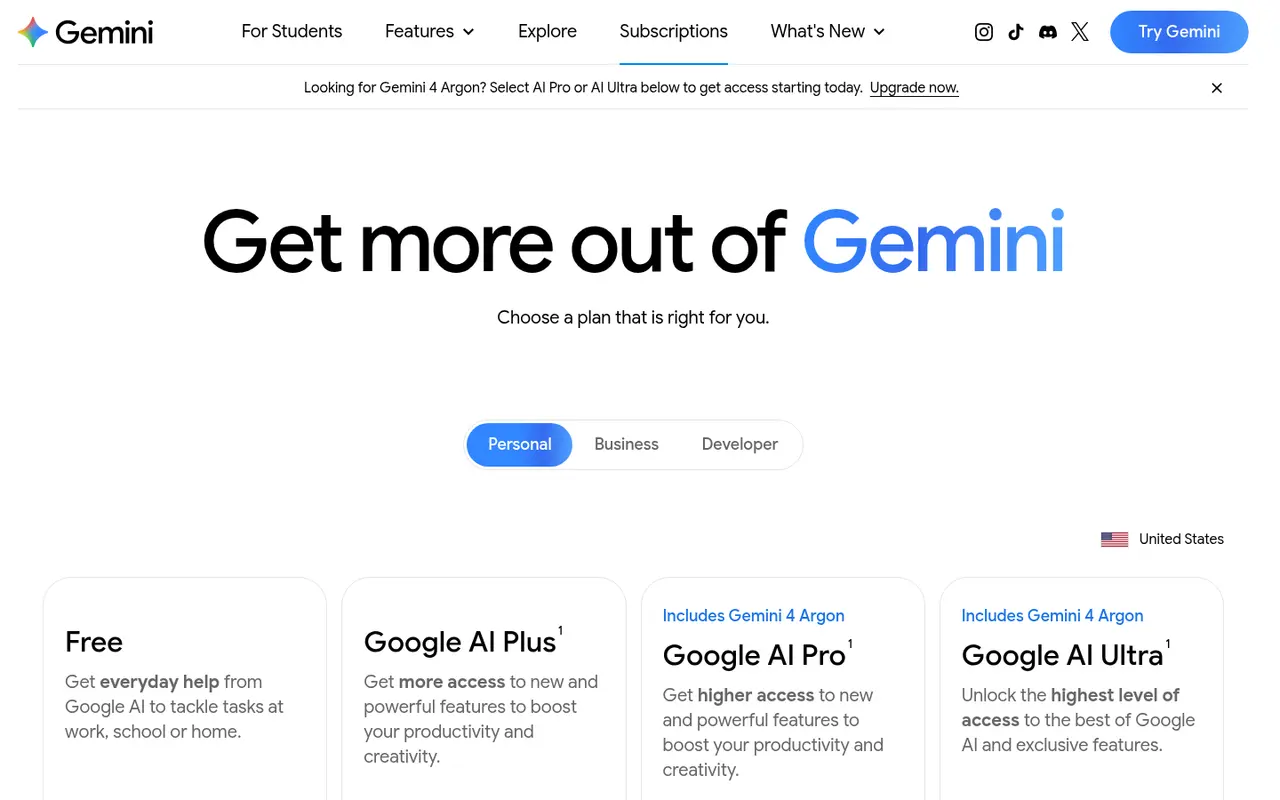
- free with a Google Account
- Google AI Plus per month
- Google AI Pro per month
What it is
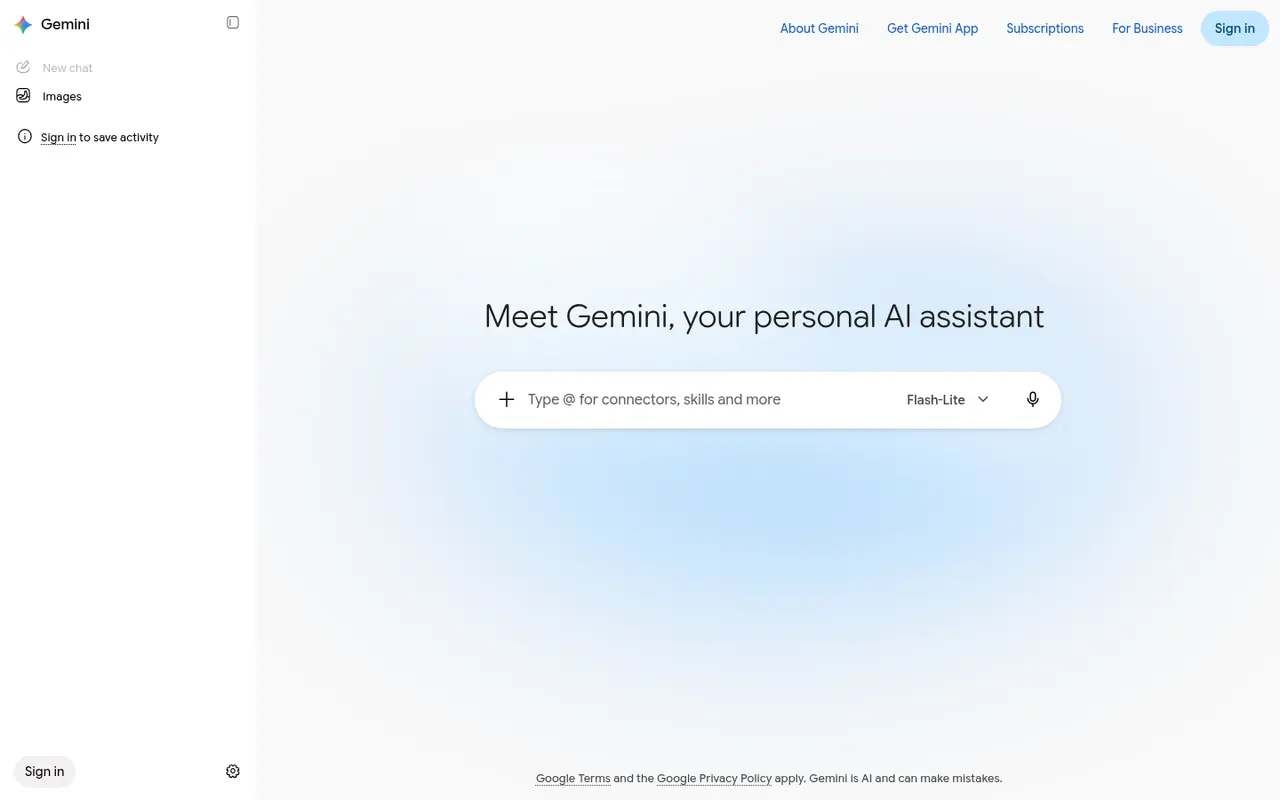
Gemini is Google's AI assistant, available in the Gemini app on the web and mobile and, on paid plans, inside Gmail, Docs, Vids and more. Plans are sold as Google AI subscriptions that bundle Gemini usage with Google Flow (an AI video studio), Search features and, on Pro, extras such as Gemini in Chrome.
For writers, the main draw is integration. If your manuscript lives in Google Docs, Gemini can work right there.
Who it's for
- Writers who draft in Google Docs and keep research in Drive.
- Budget-conscious writers. Google AI Plus is one of the cheapest paid assistant tiers in this directory.
- Nonfiction writers who lean on Google Search for research.
Key features in practice
- Models by plan. Free gives everyday help. Plus includes the Flash model with twice the Free usage. Pro adds the Pro model and four times the Free usage.
- Gemini in Google apps (Pro and above): draft, summarise or rewrite inside Docs and Gmail.
- Google Flow credits: 200 on Plus and 1,000 on Pro, for "cinematic scenes and stories". That's useful for book trailers.
- Video generation and Daily Brief, from Plus.
- Gemini in Chrome on Pro, with auto browse to help complete tasks.
- Higher tiers. "Starting at $99.99" a month for 5x Pro limits, or $199.99 for 20x, plus early access to features.
Pricing (checked 14 October 2026, United States)
| Plan | Price | Highlights |
|---|---|---|
| Free | $0 with a Google Account | Everyday help |
| Google AI Plus | $4.99/month | 2x Free usage, Flash model, video generation, 200 Flow credits |
| Google AI Pro | $19.99/month | 4x Free usage, Pro model, Gemini in Gmail and Docs, 1,000 Flow credits, Gemini in Chrome, YouTube Premium Lite, storage |
| Top tier | From $99.99/month (5x) or $199.99 (20x) | Highest limits, 10,000–25,000 Flow credits, early features |
Prices vary by country. The page also has a Developer tab.
Pricing at a glance
- FreeEveryday help with a Google AccountFree
- Google AI Plus2x Free usage, Flash model, 200 Flow credits$4.99/mo
- Google AI Pro4x usage, Pro model, Gemini in Docs & Gmail$19.99/mo
- Top tier (5x)5x AI Pro limits$99.99/mo
- Top tier (20x)20x AI Pro limits$199.99/mo
Using it as a writer
- Work inside Docs. Ask Gemini to summarise a chapter, list continuity questions or suggest scene titles without copying text out.
- Keep a "series bible" Doc and point Gemini at it when you ask story questions.
- Use Search grounding for research, but click through to sources before you rely on them.
- Try Flow for a trailer if you're on Plus or Pro. Keep it short, and keep the text on screen your own.
- Read the privacy terms for your account type before uploading unpublished manuscripts.
Strengths
- Deep Google Workspace integration.
- Very low entry price with Google AI Plus.
- Bundled extras (storage, Flow, YouTube Premium Lite on Pro) add value if you'd pay for them anyway.
Writer's Toolbelt editorial scores
Gemini scorecard
8.2/10
- Drafting and brainstorming8/10
- Editing and feedback7/10
- Research8/10
- Google Docs integration10/10
- Value for money8/10
Weaknesses
- Bundles can be confusing, with plan contents and names changing often.
- No manuscript structure or continuity tracking.
- Most useful only if you're in Google's ecosystem.
How it compares
- Gemini vs ChatGPT. ChatGPT has a broader ecosystem of custom GPTs and plugins. Gemini lives inside Google apps.
- Gemini vs Claude. Claude is often preferred for critique. Gemini is more convenient for Docs-based workflows.
- Gemini vs NotebookLM. Both are from Google. NotebookLM answers only from sources you upload, which is ideal for research notes.
Feature comparison
General AI assistants compared
| Feature | ChatGPT | Claude | Gemini | HyperWrite | Notion AI |
|---|---|---|---|---|---|
| Free plan | Yes | Yes | Yes | Yes | Yes |
| Lowest listed paid price | Not listed | Yes$17 | Yes$4.99 | Yes$16 | Yes$10 |
| All paid tiers have published prices | PartlySome tiers: contact sales or check vendor site | PartlySome tiers: contact sales or check vendor site | Yes | Yes | PartlySome tiers: contact sales or check vendor site |
| Competes with ProseEngine (we disclose) | Yes | Yes | Yes | Yes | Yes |
Verdict
If you write in Google Docs, Gemini is the most convenient assistant you can get, and Google AI Plus is a cheap way to try it on paid limits. Writers outside Google's world may prefer ChatGPT or Claude.
FAQ
Is Gemini free? Yes, with a Google Account.
How much is Google AI Pro? $19.99 a month in the US as of 14 October 2026.
Does Gemini work inside Google Docs? Yes, from Google AI Pro upward ("Gemini in Gmail, Docs, Vids, and more").
Nearby on the shelf
Drafting
ChatGPT
The general assistant most writers already have open. Useful for brainstorming, blurb variants, and line rewrites if you paste the scene and say what you want. It does not hold a novel together unless you build that memory yourself with projects or files, and it will invent sources if you let it.
Best for Writers who want one flexible assistant and will bring their own outline, pages, and skepticism.
FreemiumFiction and nonfictionDrafting
Claude
A general assistant that writers often prefer for long passages, tone, and a calmer revision pass. Projects can hold notes and chapters you upload. It is still a chat, not a novel app: continuity across a whole book is only as good as the pages you put in front of it.
Best for Drafting and revision when you want a careful reader more than a plot machine.
FreemiumFiction and nonfictionDrafting
HyperWrite
A browser assistant for rewriting sentences and producing short drafts in the page you are already on. It is built for emails, posts, and articles more than for an 80,000-word novel. Fine as a line-level spare, not as the place you keep the book.
Best for Short-form drafts and quick rewrites, especially outside a dedicated writing app.
FreemiumNonfiction