Getting words down
HyperWrite
A browser assistant for rewriting sentences and producing short drafts in the page you are already on. It is built for emails, posts, and articles more than for an 80,000-word novel. Fine as a line-level spare, not as the place you keep the book.
Best for
Short-form drafts and quick rewrites, especially outside a dedicated writing app.
Pricing
Freemium. Free tier with a tight daily cap. Paid plans raise the number of rewrites and suggestions.
Listing checked 14 October 2026. Plans move. The vendor's page wins an argument with this one.
In-depth review
HyperWrite review
Last checked 14 October 2026 against the vendor's public pages. Prices and features change; check the vendor before you buy.
Disclosure: The person who runs Writer's Toolbelt also makes ProseEngine, an AI fiction-writing app that competes with HyperWrite. This review sticks to verifiable facts and links its sources below.
Writer's Toolbelt review
HyperWrite
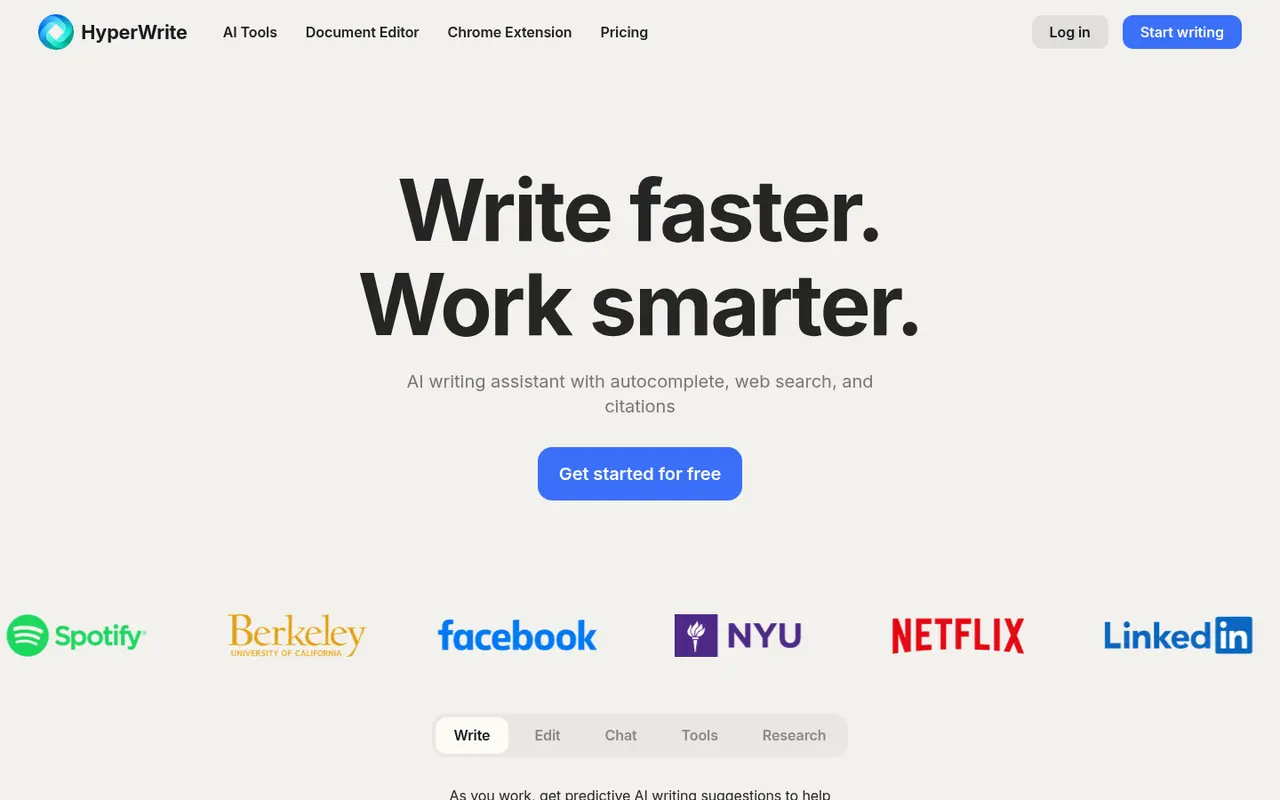
An AI writing assistant with autocomplete, research with citations and a Chrome extension that writes where you are.
- Premium per month, billed annually
- AI messages/month on Premium
- Ultra per month, billed annually
What it is
HyperWrite is an "AI writing assistant with autocomplete, web search, and citations." It has a document editor, a Chrome extension that offers "predictive AI writing suggestions" as you type, a chat, and a large library of single-purpose tools such as Flexible AutoWrite, Rewrite Content, an Email Responder and an AI Speech Writer.
Who it's for
- Nonfiction, blog and business writers who want autocomplete and quick research with sources.
- Writers who live in the browser and want help inside any text box.
It has no fiction-specific workflow such as a story bible or chapter structure.
Key features in practice
- Predictive autocomplete to "break writer's block and refine your tone".
- Web search and citations in the research tools.
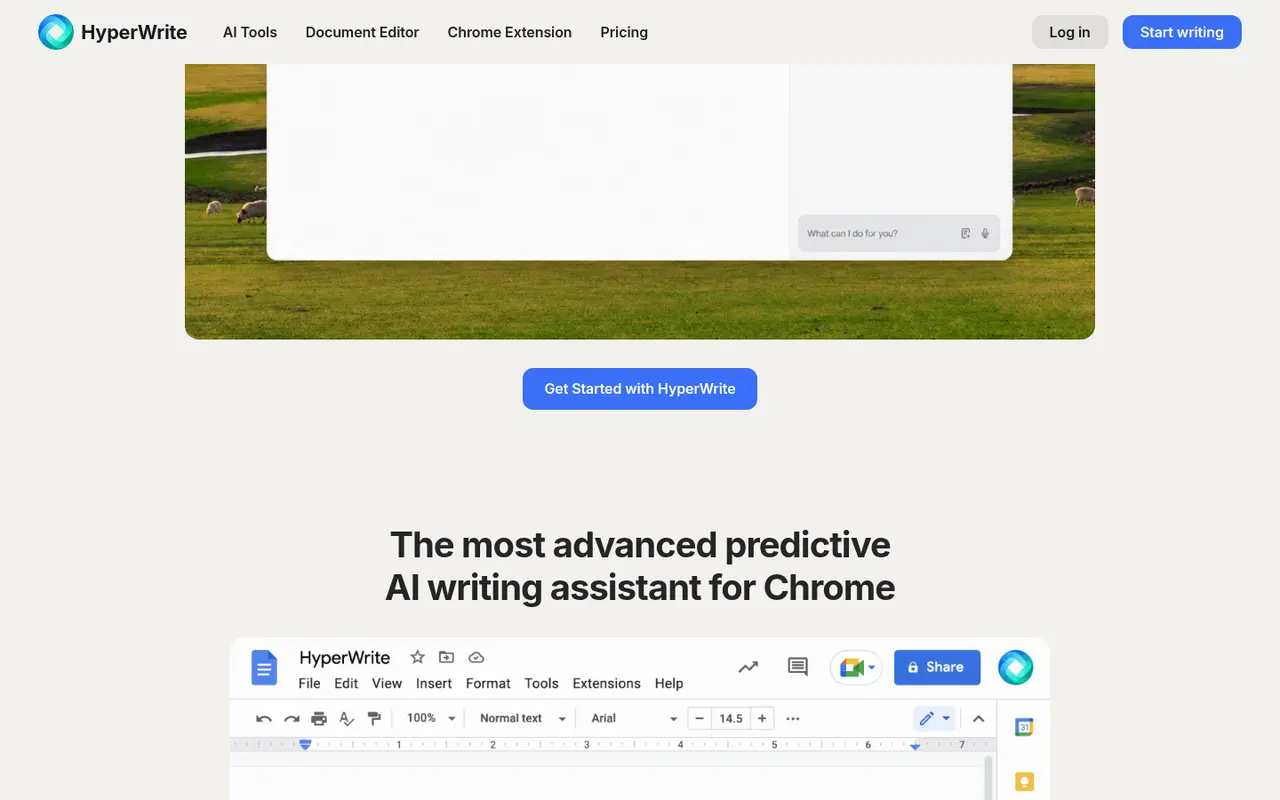
- Chrome extension, described by the vendor as "the most advanced predictive AI writing assistant for Chrome."
- Tool library. Hundreds of task-specific tools, with Flexible AutoWrite the most popular.
- Edit and Rewrite modes that keep the meaning while changing the phrasing.
Pricing (checked 14 October 2026)
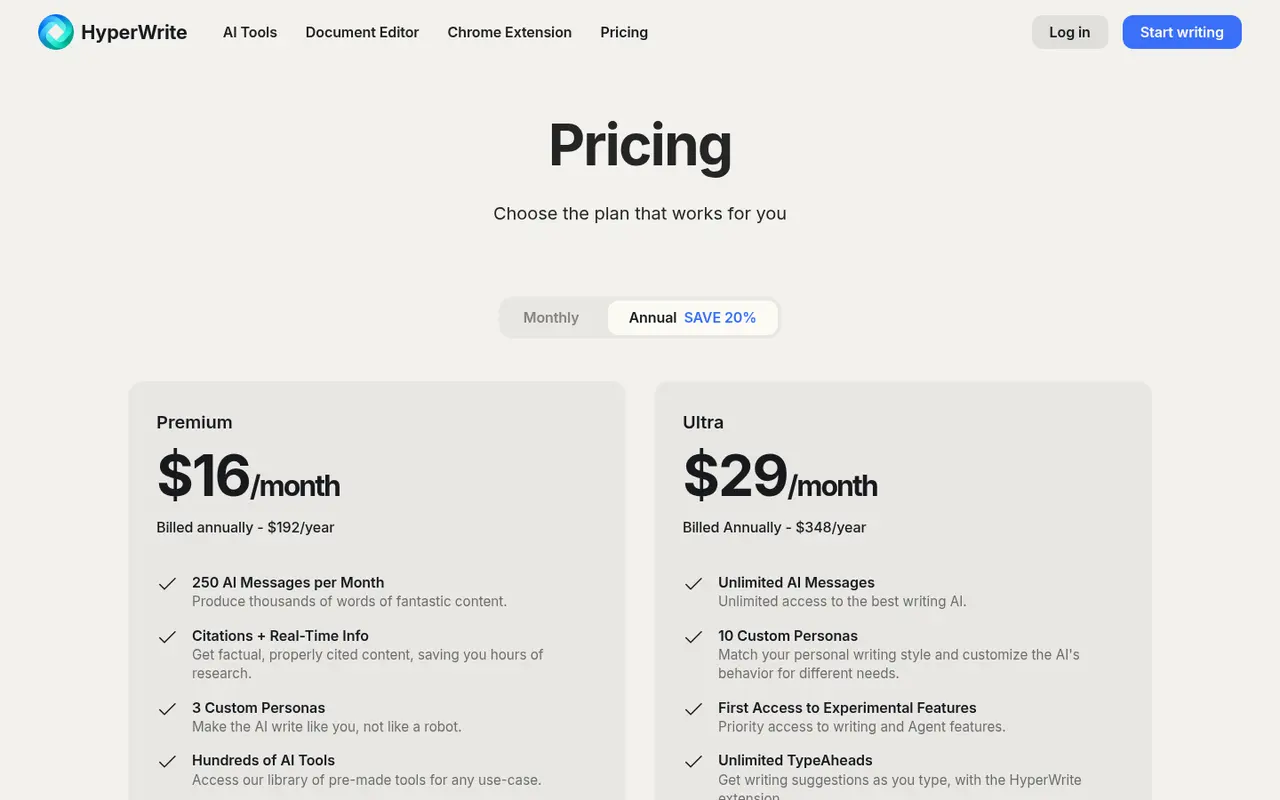
| Plan | Price | Includes |
|---|---|---|
| Free | $0 | Limited monthly credits on the basic AI |
| Premium | $16/month billed annually ($192/year) | 250 AI messages per month |
| Ultra | $29/month billed annually ($348/year) | Unlimited AI messages |
The page says annual billing saves 20%. Check the monthly price on the vendor site.
Pricing at a glance
- FreeLimited monthly credits on basic AIFree
- Premium250 AI messages/month$16/mo
- UltraUnlimited AI messages$29/mo
Using it as a writer
- Use autocomplete for momentum, not for content. Accept a phrase, then keep writing in your own words.
- Use the research tools for nonfiction. Then open every cited source before quoting it.
- Try the free tier on a real task, such as a newsletter, before paying.
- Watch message counts. 250 a month on Premium can go quickly in heavy drafting.
Strengths
- In-browser autocomplete that works across sites.
- Citations on research tasks.
- A big tool library for quick one-off jobs.
Writer's Toolbelt editorial scores
HyperWrite scorecard
6.2/10
- Drafting speed7/10
- Research with citations7/10
- Fiction-specific workflow3/10
- Ease of use8/10
- Value for money6/10
Weaknesses
- Generic for fiction.
- Message caps on Premium.
- Overlaps heavily with general assistants you may already pay for.
How it compares
- HyperWrite vs ChatGPT or Claude. The general assistants are more capable overall. HyperWrite's edge is in-browser autocomplete.
- HyperWrite vs Wordtune. Wordtune focuses on rewriting sentences you've already written.
- HyperWrite vs Perplexity. Perplexity is the stronger cited-search tool.
Feature comparison
General AI assistants compared
| Feature | ChatGPT | Claude | Gemini | HyperWrite | Notion AI |
|---|---|---|---|---|---|
| Free plan | Yes | Yes | Yes | Yes | Yes |
| Lowest listed paid price | Not listed | Yes$17 | Yes$4.99 | Yes$16 | Yes$10 |
| All paid tiers have published prices | PartlySome tiers: contact sales or check vendor site | PartlySome tiers: contact sales or check vendor site | Yes | Yes | PartlySome tiers: contact sales or check vendor site |
| Competes with ProseEngine (we disclose) | Yes | Yes | Yes | Yes | Yes |
Verdict
HyperWrite is handy if you want autocomplete everywhere in Chrome. For novel-writing or deep research, other tools in this directory do the job better.
FAQ
Is HyperWrite free? Yes, with limited monthly credits on the basic AI.
How much is HyperWrite Premium? $16 a month billed annually ($192 a year) on 14 October 2026.
Does it cite sources? The research and search tools provide citations. Check them before you rely on them.
Nearby on the shelf
Drafting
ChatGPT
The general assistant most writers already have open. Useful for brainstorming, blurb variants, and line rewrites if you paste the scene and say what you want. It does not hold a novel together unless you build that memory yourself with projects or files, and it will invent sources if you let it.
Best for Writers who want one flexible assistant and will bring their own outline, pages, and skepticism.
FreemiumFiction and nonfictionDrafting
Claude
A general assistant that writers often prefer for long passages, tone, and a calmer revision pass. Projects can hold notes and chapters you upload. It is still a chat, not a novel app: continuity across a whole book is only as good as the pages you put in front of it.
Best for Drafting and revision when you want a careful reader more than a plot machine.
FreemiumFiction and nonfictionDrafting
Gemini
Google's assistant, practical if your research and drafts already live in Docs or Drive. It will brainstorm and rewrite like the other general models, with the same habit of sounding finished before the thinking is. For source-grounded reading, NotebookLM is the closer sibling and is listed on its own.
Best for Writers already working in Google's tools who want a second model without a new app.
FreemiumFiction and nonfiction