Sources, not vibes
NotebookLM
You upload sources — PDFs, notes, docs — and ask questions grounded in that pile. It will also brief you in audio, which is a strange and sometimes useful way to hear your research. It is not a writing app. If a claim is not in the sources, it should say so, and you should still check.
Best for
Nonfiction writers sitting on a stack of sources they do not want a model to wander away from.
Pricing
Free. Free with a Google account. Features and limits change; there is no manuscript editor here.
Listing checked 14 October 2026. Plans move. The vendor's page wins an argument with this one.
In-depth review
NotebookLM review
Last checked 14 October 2026 against the vendor's public pages. Prices and features change; check the vendor before you buy.
Writer's Toolbelt review
NotebookLM
Google's source-grounded research notebook, renamed Gemini Notebook in July 2026. It answers from your documents, not the open web.
- sources per notebook, free
- sources per notebook on Google AI Pro
- sources per notebook on Google AI Ultra
What it is
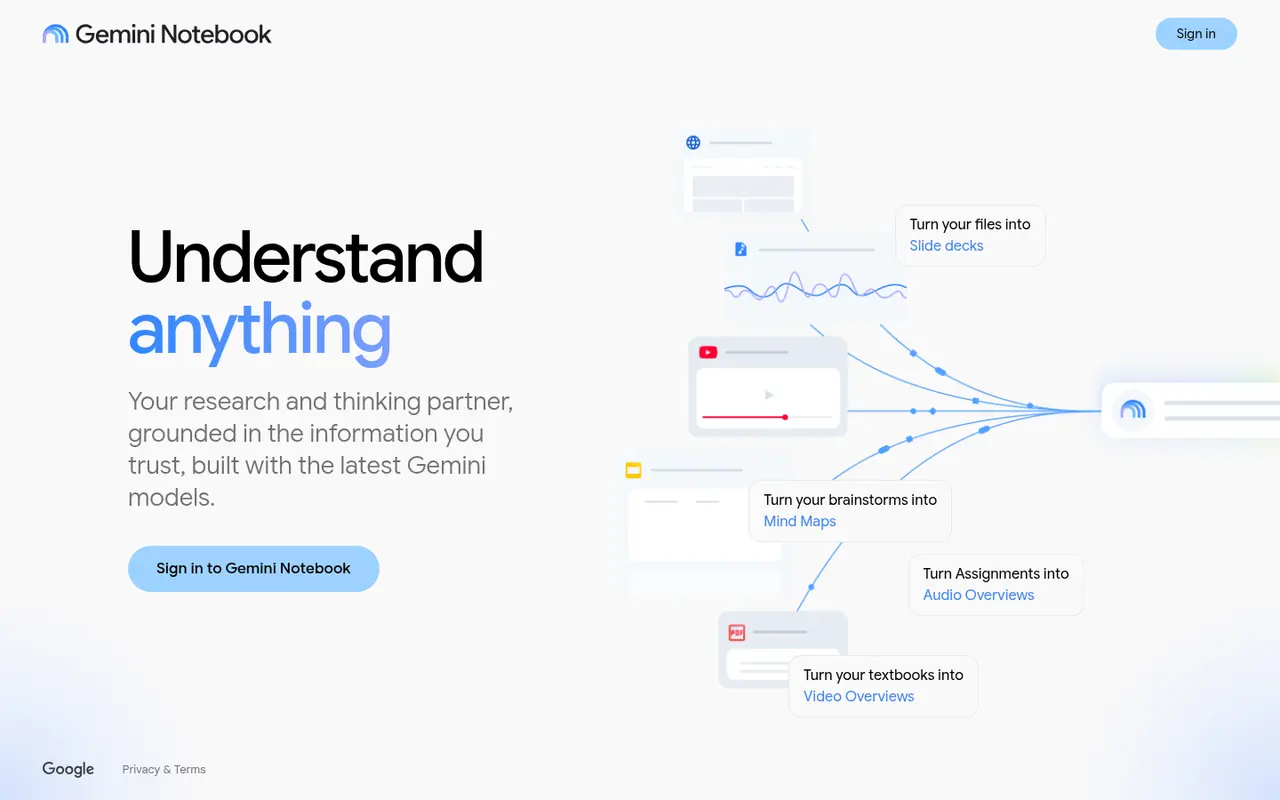
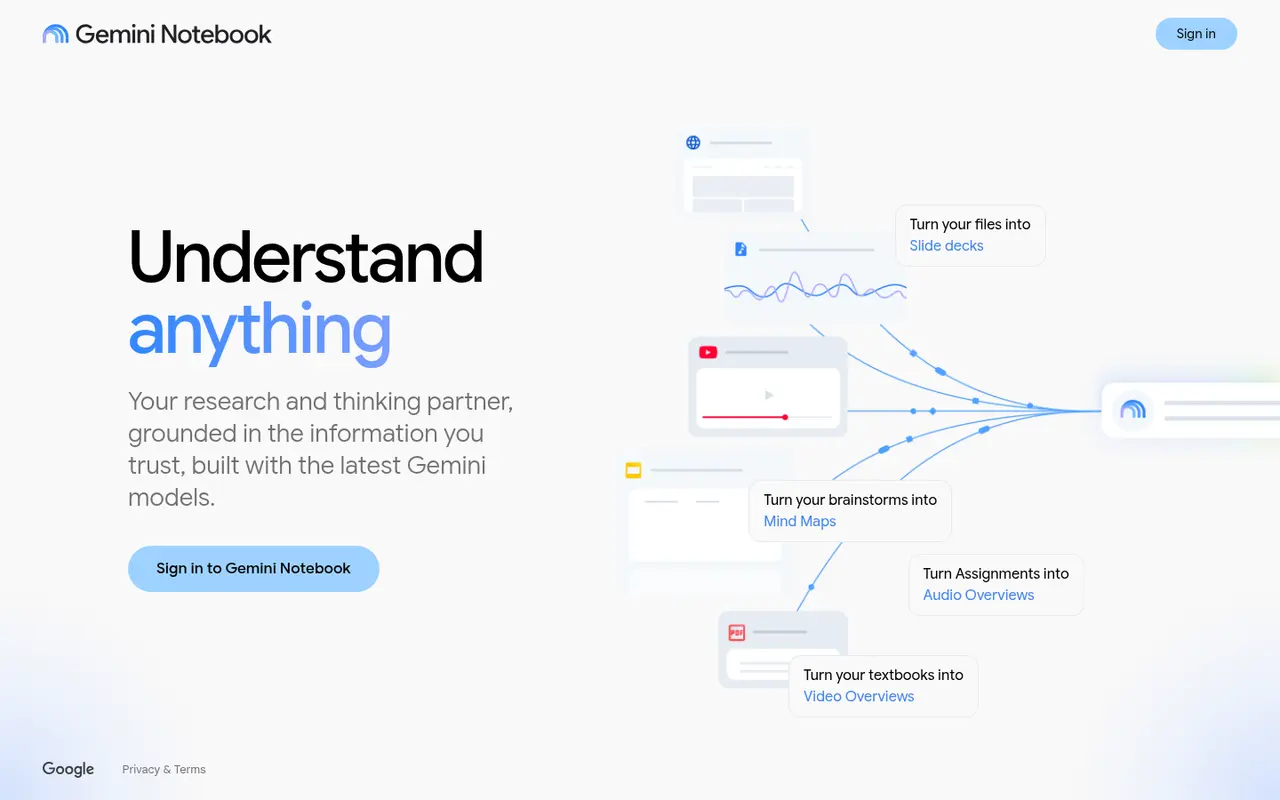
NotebookLM is Google's source-grounded research assistant. As of July 2026 it's called Gemini Notebook. Google's FAQ says "it is the same product you know and love, and all of your existing notebooks remain fully accessible." You add your own sources, and it answers questions "grounded in the information you trust", "reducing the likelihood of AI errors and hallucinations". It can also turn your sources into Audio Overviews, Video Overviews, Slides, Mind Maps, Flashcards, Reports and Infographics.
Who it's for
- Nonfiction authors working from a pile of sources: interviews, papers, archives.
- Novelists with research-heavy settings, such as historical, legal or medical fiction.
- Series writers who want to query their own notes and published books for continuity.
Key features in practice
- Source-grounded chat. Answers come from your uploaded material, with references back to it.
- Source Discovery and Deep Research to find new material from inside the notebook.
- Audio Overviews. Podcast-style discussions of your sources, good for reviewing notes on a walk.
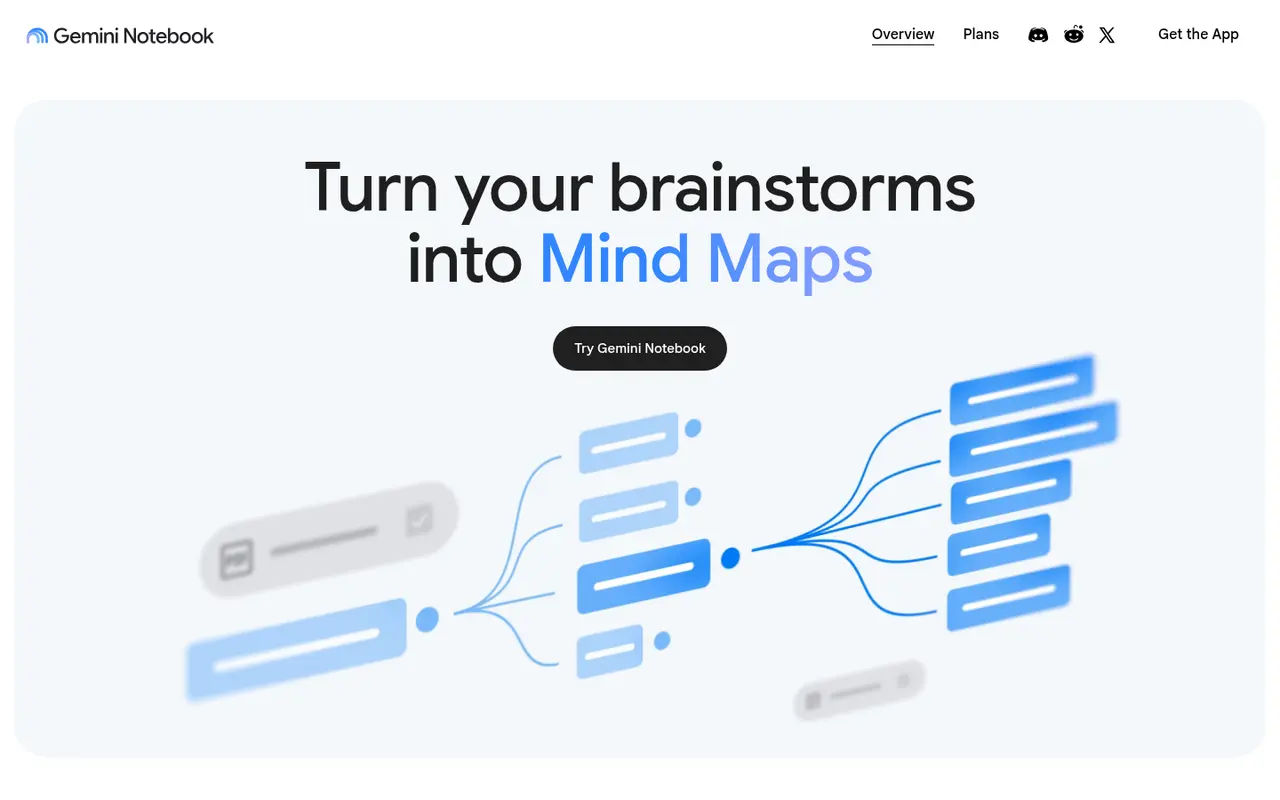
- Reports, Slides, Mind Maps and Video Overviews for synthesising material.
- Source limits per notebook: 50 on the standard plan, 100 with Google AI Plus, 300 with Pro and 600 with Ultra.
- Privacy. Google says individual users' data "is not used for training unless you share feedback". Organisation and school data is never used to train it.
Pricing (checked 14 October 2026)
| Plan | Price | Limits |
|---|---|---|
| Gemini Notebook | Free | Standard limits, up to 50 sources per notebook |
| In Google AI Plus | $4.99/month (US) | Double limits, early access, 100 sources |
| In Google AI Pro | $19.99/month (US) | 4x limits, priority access, 300 sources |
| In Google AI Ultra | Check vendor site | 5–20x Pro limits, 600 sources |
Paid plans are available only in some regions. Business, Education and Enterprise versions come through Google Workspace or Google Cloud.
Pricing at a glance
- Gemini Notebook (free)Up to 50 sources per notebookFree
- With Google AI Plus2x limits, 100 sources$4.99/mo
- With Google AI Pro4x limits, 300 sources$19.99/mo
- With Google AI Ultra
5–20x Pro limits, 600 sources; check vendor site
Using it as a writer
- Create one notebook per project and add your research PDFs, interview transcripts and notes.
- Ask questions that need citations, such as "Where did I note the date of the flood?", and click through to the source.
- Use Audio Overviews to absorb research when you're away from the desk.
- Make a continuity notebook from your published books and series bible for consistency checks.
- Remember it only knows what you give it. That is the point, and also the limit.
Strengths
- Grounded in your sources, which means fewer hallucinations.
- Free and generous.
- Audio and Video Overviews are unique and genuinely useful.
- Clear privacy statement for individuals.
Writer's Toolbelt editorial scores
NotebookLM scorecard
9.4/10
- Grounding in your sources10/10
- Research synthesis9/10
- Audio and video overviews9/10
- Ease of use9/10
- Value for money10/10
Weaknesses
- Only as good as your sources.
- Source caps on the free plan.
- The rename may confuse people looking for "NotebookLM".
How it compares
- NotebookLM vs Perplexity. Perplexity searches the web. NotebookLM works on your files.
- NotebookLM vs Elicit or Consensus. Those find academic papers, which you can then load into NotebookLM.
- NotebookLM vs Notion AI. Notion AI works across your Notion workspace.
Feature comparison
AI research tools compared
| Feature | Consensus | Elicit | Scite | Perplexity | NotebookLM |
|---|---|---|---|---|---|
| Free plan | Yes | Yes | No | Yes | Yes |
| Lowest listed paid price | Yes$12 | Yes$49 | Yes$12 | Yes$17 | Yes$4.99 |
| All paid tiers have published prices | Yes | Yes | PartlySome tiers: contact sales or check vendor site | PartlySome tiers: contact sales or check vendor site | PartlySome tiers: contact sales or check vendor site |
| Competes with ProseEngine (we disclose) | No | No | No | No | No |
Verdict
For research you already have, NotebookLM (now Gemini Notebook) is the best free tool in this directory. Every nonfiction writer should try it.
FAQ
Is NotebookLM still available? Yes, as Gemini Notebook since July 2026. Existing notebooks remain accessible.
Is it free? Yes. Google AI subscriptions raise the limits.
Does Google train on my sources? For individuals, Google says no, unless you share feedback.
Nearby on the shelf
Drafting
ChatGPT
The general assistant most writers already have open. Useful for brainstorming, blurb variants, and line rewrites if you paste the scene and say what you want. It does not hold a novel together unless you build that memory yourself with projects or files, and it will invent sources if you let it.
Best for Writers who want one flexible assistant and will bring their own outline, pages, and skepticism.
FreemiumFiction and nonfictionDrafting
Claude
A general assistant that writers often prefer for long passages, tone, and a calmer revision pass. Projects can hold notes and chapters you upload. It is still a chat, not a novel app: continuity across a whole book is only as good as the pages you put in front of it.
Best for Drafting and revision when you want a careful reader more than a plot machine.
FreemiumFiction and nonfictionResearch
Consensus
Searches scientific papers for what the evidence says about a question, and tries to show agreement rather than a single link. Good for 'does this claim hold up?' and a poor place to learn narrative craft. Read it as a map of a literature, then go to the studies that matter.
Best for Nonfiction writers checking whether a popular claim survives contact with research papers.
FreemiumNonfiction