Sources, not vibes
Notion AI
Writing and Q&A inside the notes you already keep: research dumps, series bibles, interview transcripts, chapter indexes. It is a strong place to ask questions of your own material and a weak place to line-edit a novel. If the wiki is the point, this is the assistant that lives in it.
Best for
Nonfiction writers and planners whose research already lives in Notion.
Pricing
Subscription. AI features sit on Notion's paid plans. The free Notion workspace is limited, and AI access changes with the plan.
Listing checked 14 October 2026. Plans move. The vendor's page wins an argument with this one.
In-depth review
Notion AI review
Last checked 14 October 2026 against the vendor's public pages. Prices and features change; check the vendor before you buy.
Disclosure: The person who runs Writer's Toolbelt also makes ProseEngine, an AI fiction-writing app that competes with Notion AI. This review sticks to verifiable facts and links its sources below.
Writer's Toolbelt review
Notion AI
AI agents inside your Notion workspace. Ideal if your series bible, research and plans already live in Notion.
- Free plan (AI trial)
- Plus per seat/month
- Business per seat/month
What it is
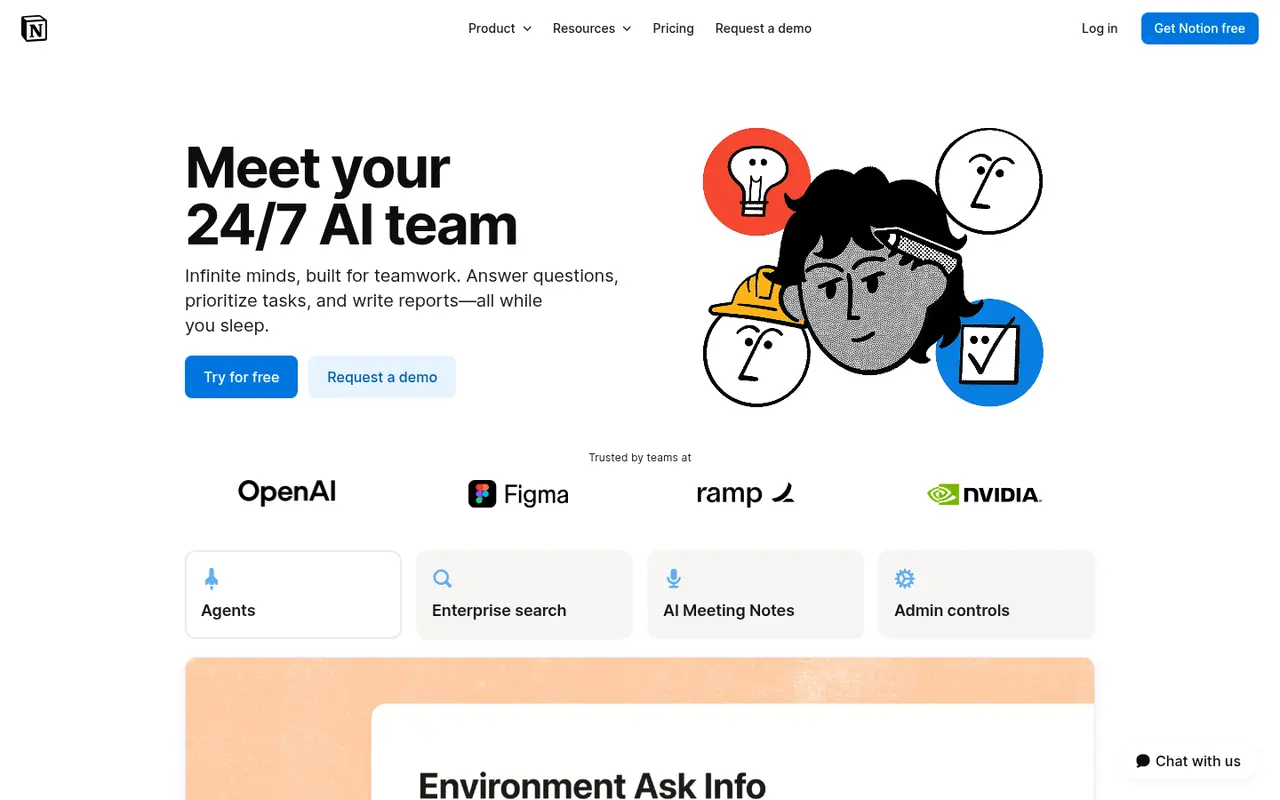
Notion AI is the AI layer inside Notion, the docs-and-databases workspace. Notion pitches it as "your 24/7 AI team": Notion Agent (chat, generate, autofill, translate), Custom Agents that automate repeated work, AI Meeting Notes and Enterprise Search across connected tools.
For writers, the appeal is simple. If your story bible, research database and publishing plan already live in Notion, the AI can work across all of it.
Who it's for
- Writers who already organise in Notion: character databases, plot boards, launch calendars.
- Author businesses and small presses running operations in Notion.
If you don't use Notion, adopting it just for the AI is a big ask.
Key features in practice
- Notion Agent: chat, generate, autofill database properties and translate.
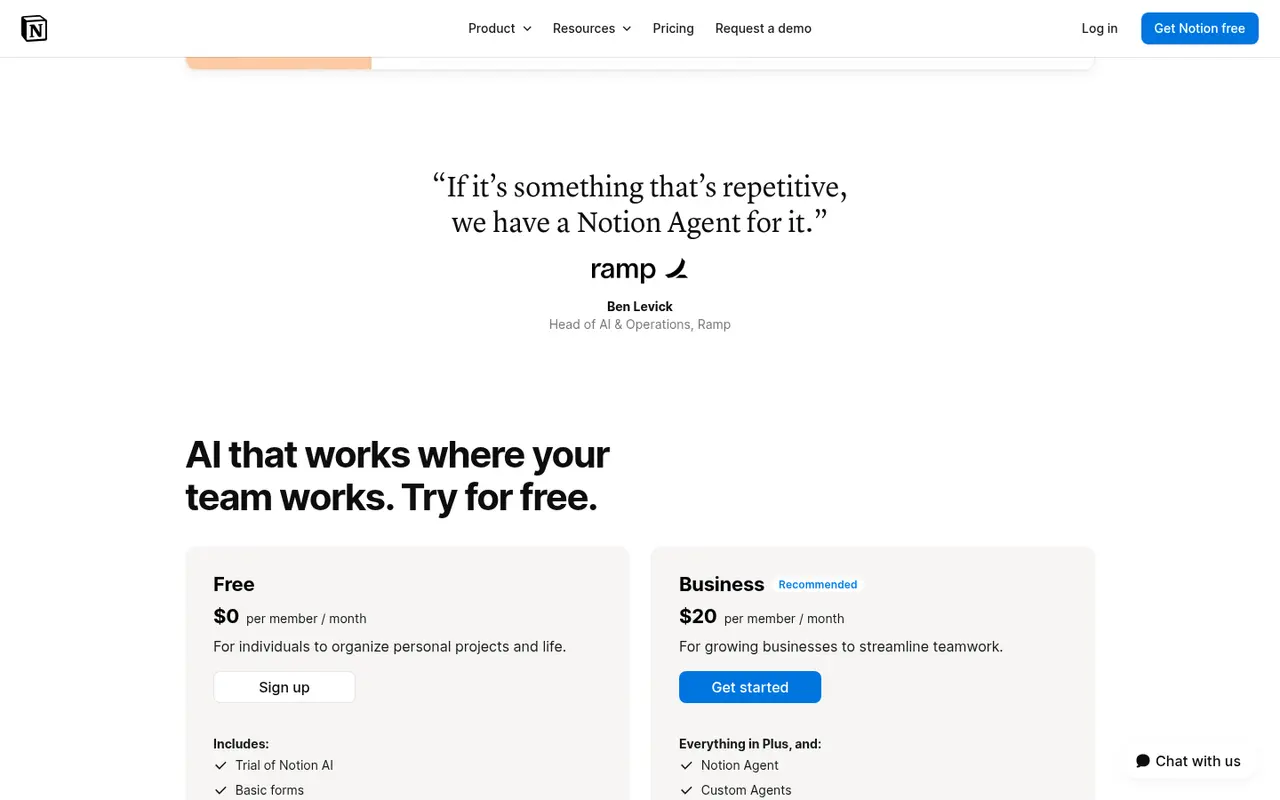
- Custom Agents "set them up once, and the entire team benefits". They require Notion credits.
- Research mode (beta) and Enterprise Search across connected apps.
- Databases with subtasks, dependencies and custom properties, even on Free. That's a great base for a series bible.
- Zero data retention, listed for AI in the plan comparison.
Pricing (checked 14 October 2026)
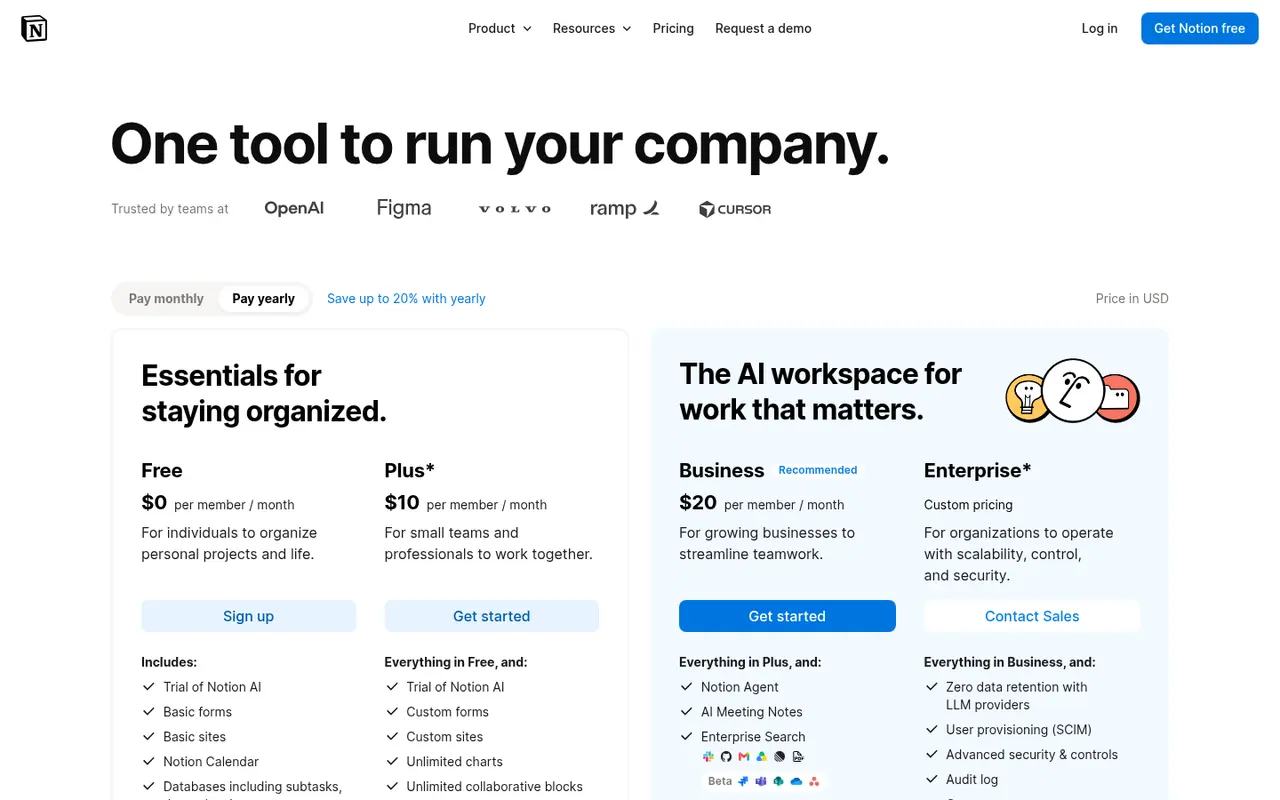
| Plan | Price displayed | AI |
|---|---|---|
| Free | $0 per seat/month | Trial of Notion AI |
| Plus | $10 per seat/month | Trial of Notion AI |
| Business | $20 per seat/month | Notion Agent, Custom Agents, AI Meeting Notes, Enterprise Search |
| Enterprise | Contact sales | Everything plus admin and security |
The page toggles between monthly and yearly billing (saving up to 20%). Custom Agents use Notion credits, priced at $10 per 1,000 monthly credits according to the page.
Pricing at a glance
- FreeTrial of Notion AIFree
- PlusTrial of Notion AI$10/mo
- BusinessNotion Agent, Custom Agents, AI Meeting Notes$20/mo
- Enterprise
Contact sales
Using it as a writer
- Build a series database with characters, locations, timeline events and properties such as first appearance and status.
- Ask the Agent continuity questions across those pages.
- Autofill properties. Let the AI summarise chapters into a "synopsis" property.
- Automate launch tasks with a Custom Agent if you run a team.
- Draft in a dedicated editor if you prefer. Notion is better as a bible than as a manuscript editor.
Strengths
- Your notes and the AI in one place.
- Excellent databases for story bibles.
- Agents for repetitive operations.
Writer's Toolbelt editorial scores
Notion AI scorecard
6.4/10
- Organising a series bible9/10
- Drafting help6/10
- Research across your notes8/10
- Fiction-specific workflow4/10
- Value for a solo writer5/10
Weaknesses
- Full AI costs Business pricing per seat.
- Not a manuscript tool.
- Credits for Custom Agents add cost.
How it compares
- Notion AI vs Novelcrafter. Novelcrafter's codex is purpose-built for fiction.
- Notion AI vs NotebookLM. NotebookLM is free and source-grounded on uploaded files.
- Notion AI vs ChatGPT. ChatGPT is more capable as a general assistant but doesn't live in your notes.
Feature comparison
General AI assistants compared
| Feature | ChatGPT | Claude | Gemini | HyperWrite | Notion AI |
|---|---|---|---|---|---|
| Free plan | Yes | Yes | Yes | Yes | Yes |
| Lowest listed paid price | Not listed | Yes$17 | Yes$4.99 | Yes$16 | Yes$10 |
| All paid tiers have published prices | PartlySome tiers: contact sales or check vendor site | PartlySome tiers: contact sales or check vendor site | Yes | Yes | PartlySome tiers: contact sales or check vendor site |
| Competes with ProseEngine (we disclose) | Yes | Yes | Yes | Yes | Yes |
Verdict
Choose Notion AI if Notion is already your writing HQ. Otherwise, a fiction workspace or a general assistant is better value.
FAQ
Is Notion AI free? Free and Plus include a trial. Full AI is on Business ($20 per seat per month as displayed).
Can Notion AI write my novel? It can draft, but its strength is organising and querying your notes.
Does Notion keep my AI data? The plan comparison lists zero data retention for AI.
Nearby on the shelf
Drafting
ChatGPT
The general assistant most writers already have open. Useful for brainstorming, blurb variants, and line rewrites if you paste the scene and say what you want. It does not hold a novel together unless you build that memory yourself with projects or files, and it will invent sources if you let it.
Best for Writers who want one flexible assistant and will bring their own outline, pages, and skepticism.
FreemiumFiction and nonfictionDrafting
Claude
A general assistant that writers often prefer for long passages, tone, and a calmer revision pass. Projects can hold notes and chapters you upload. It is still a chat, not a novel app: continuity across a whole book is only as good as the pages you put in front of it.
Best for Drafting and revision when you want a careful reader more than a plot machine.
FreemiumFiction and nonfictionResearch
Consensus
Searches scientific papers for what the evidence says about a question, and tries to show agreement rather than a single link. Good for 'does this claim hold up?' and a poor place to learn narrative craft. Read it as a map of a literature, then go to the studies that matter.
Best for Nonfiction writers checking whether a popular claim survives contact with research papers.
FreemiumNonfiction