Getting words down
Novelcrafter
A novel workspace with a codex for characters, places, and canon, plus chat and drafting that can call many outside models. You are in charge of how much AI shows up, including none. The tradeoff is setup: keys, prompts, and model choice are your problem.
Best for
Series authors who want a codex and the freedom to pick the model, including one running on their own machine.
Pricing
Subscription. Subscription for the writing app. Model use is usually billed separately when you bring an API key, and local models are supported.
Listing checked 14 October 2026. Plans move. The vendor's page wins an argument with this one.
In-depth review
Novelcrafter review
Last checked 14 October 2026 against the vendor's public pages. Prices and features change; check the vendor before you buy.
Disclosure: The person who runs Writer's Toolbelt also makes ProseEngine, an AI fiction-writing app that competes with Novelcrafter. This review sticks to verifiable facts and links its sources below.
Writer's Toolbelt review
Novelcrafter
The control freak's novel workshop. Deep codex, your choice of AI, your bill.
- entry plan per month
- day free trial, no card
- plans, all with unlimited books
What it is
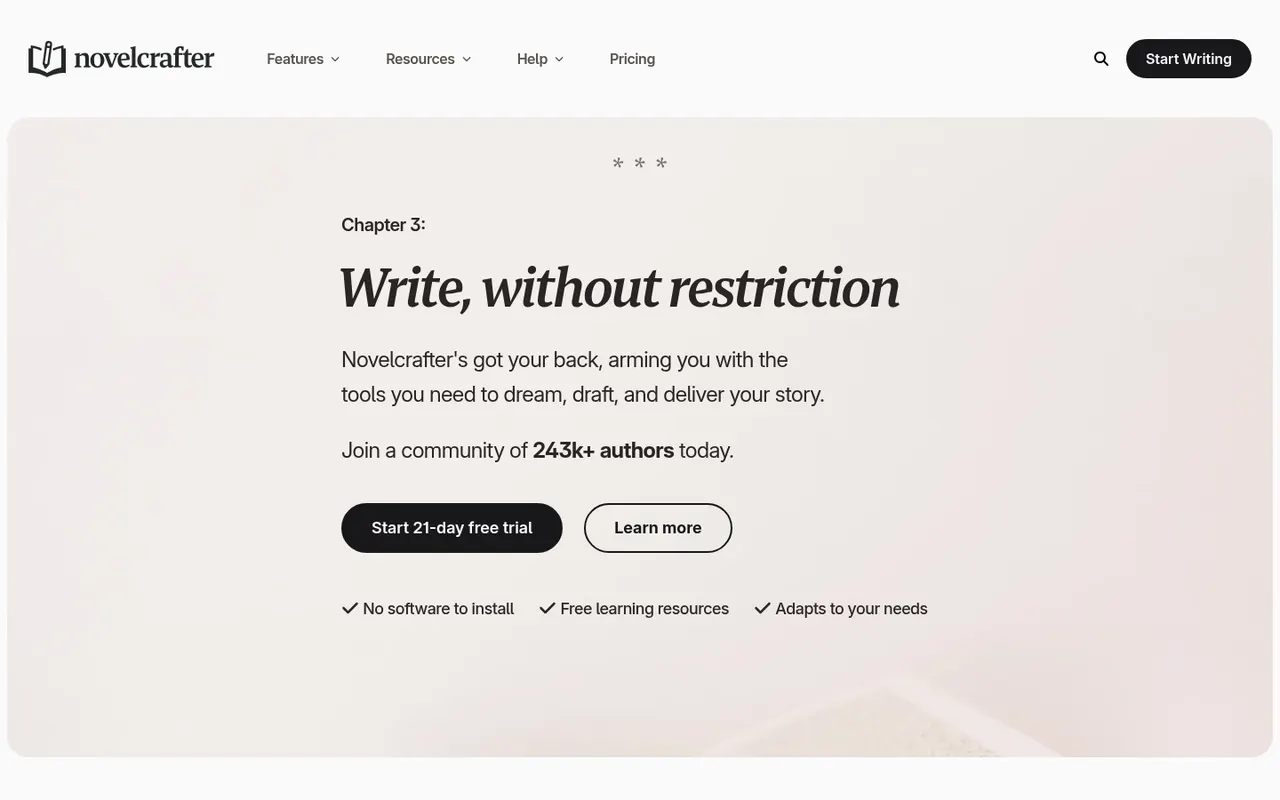
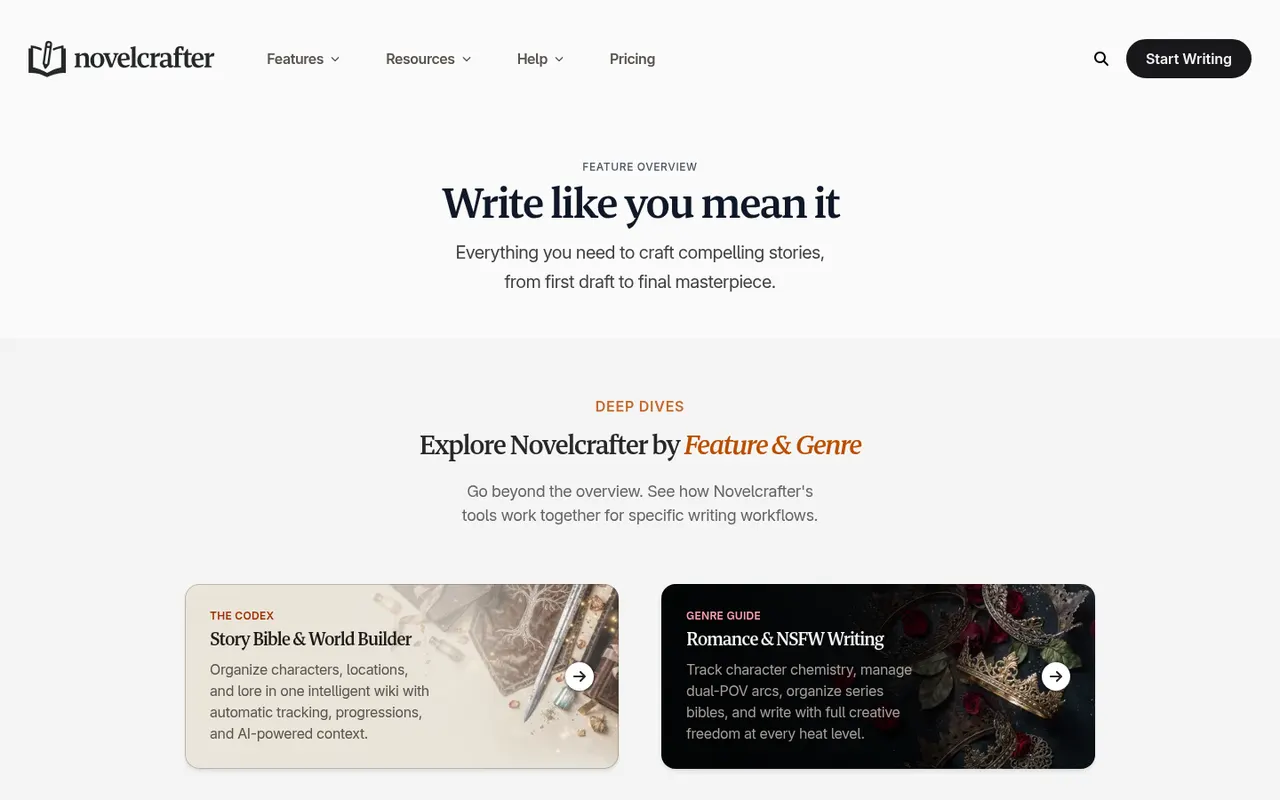
Novelcrafter is a web-based novel-writing workspace built around a codex: a story wiki for characters, locations and lore, with automatic mention tracking, "progressions" (entries that change over the course of the story) and relations between entries. On top of that sit planning views (Grid, Matrix, Outline), a rich-text manuscript editor, and AI features that you power by connecting your own AI service. That includes local models running on your own computer.
The key design choice is that Novelcrafter does not bundle a model. You pay for the writing app, then decide which AI provider (if any) does the generating.
Who it's for
Novelcrafter suits series authors and heavy planners who want a serious story bible, and writers who want control over AI: which model, what exact prompt, how much context, and what it costs. It is also a reasonable choice for writers who want little or no AI at all, because the cheapest tier is a pure writing-and-codex app.
It is a weaker fit if you want one price with everything included and no setup.
Key features in practice
- Codex. Entries for characters, places, items and lore, with aliases and nicknames, tags, custom categories, custom details, relations, thumbnails and progressions. Mentions are tracked across scenes, chats and notes, and a mention timeline shows where an entry appears.
- Series. A codex can be shared across books in a series, so you don't re-enter your world for book two. All tiers include unlimited books and series.
- Planning views. Grid lets you drag acts, chapters and scenes into order. Matrix is described as "a magical spreadsheet" for seeing the whole story at once. There is also a plain single-page Outline, scene labels for draft status, custom POVs, and a scene archive.
- Scene Beats. You write what should happen next and the AI drafts from those beats, which keeps you "in the director's seat".
- AI Connections and Local AI. Connect a range of AI services, or a local model, for flexibility and cost control. Custom prompts, prompt components and prompt preview let you see and edit exactly what is sent to the model.
- Context control. You choose whether the outline, a specific scene or the full novel goes into the context, and you can mark content "Exclude from AI".
- Chat with your scene. Workshop chat for feedback and brainstorming, from the Artisan tier up. You can extract beats, codex entries or outlines from a chat.
- Analysis. Appearance heatmap, characters per scene, word statistics.
- Collaboration. Invite editors or friends. Creating teams and inviting others into your novels needs the Specialist tier.
- Practicalities. Imports Word, Markdown or HTML and exports your work. It also has revision history, focus mode, dark mode, a dyslexia-friendly font option, and works on mobile.
Pricing (checked 14 October 2026)
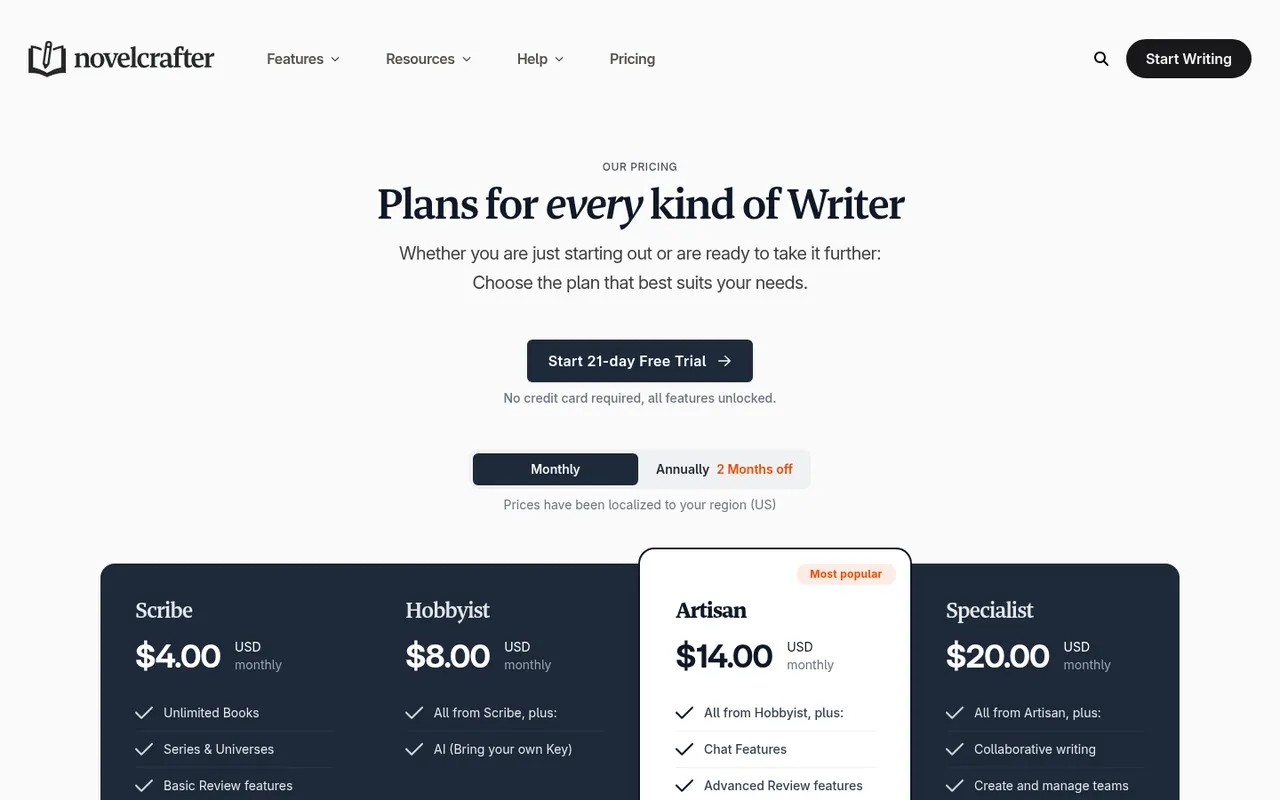
There is a 21-day free trial with all features unlocked and no card required. There is no free plan. Prices below are in USD as shown on the pricing page, which notes that prices are localised by region.
| Plan | Price | What it adds |
|---|---|---|
| Scribe | $4/month | Unlimited books, codex, series, basic review tools. No AI. |
| Hobbyist | $8/month | AI with your own key (BYOK): scene summarisation, character extraction, generate from scene beats |
| Artisan | $14/month | Workshop chat, advanced review features (marked "planned") |
| Specialist | $20/month | Collaborative writing, invite users to novels and series, create and manage teams, priority support |
Pricing at a glance
- ScribeCodex and editor, no AI$4/mo
- HobbyistAI with your own key$8/mo
- ArtisanAdds workshop chat$14/mo
- SpecialistAdds collaboration and teams$20/mo
Model usage is not included. With bring-your-own-key, you pay your AI provider separately, or use a local model. Novelcrafter says it runs no sales or holiday discounts and has no student or regional (PPP) discounts. If you cancel, you keep read-only access to view and export your data.
Writer's Toolbelt editorial scores
Novelcrafter scorecard
7.8/10
- Ease of setup5/10
- Fiction-specific tools7/10
- Planning & story bible9/10
- Model & prompt control10/10
- Value for money8/10
Strengths
- Low entry price for a capable planning and writing app, and an AI-free tier.
- The deepest codex in our directory, with progressions, relations and mention tracking that suit long series.
- Full transparency and control over prompts, context and models, including local models for privacy.
- Pay-as-you-go AI costs can be lower than bundled credits if you write in bursts. It depends on the provider and model you pick.
- Honest pricing policy. No fake countdowns, and read-only access to your data if you stop paying.
Weaknesses
- Setup burden. You need to create an account with an AI provider, manage a key, and choose models. Some prompt literacy pays off.
- Two bills. The subscription plus your AI provider's usage, which can be harder to predict.
- Some features are still marked "planned" on the pricing page, such as advanced review tools and universes.
- No discounts of any kind, and team pricing is per user.
How it compares
- Novelcrafter vs Sudowrite. Sudowrite bundles models and fiction-specific tools into one credit-based price with no setup. Novelcrafter costs less up front and gives far more control, but you bring the AI. See Sudowrite vs Novelcrafter.
- Novelcrafter vs Squibler. Both are book-writing workspaces with AI help. Novelcrafter's codex and model choice go deeper, while Squibler aims at a simpler, more guided experience.
- Novelcrafter vs a general chatbot. A chatbot can draft scenes, but it doesn't keep a structured story bible. Novelcrafter can actually call those same models with your codex attached.
Feature comparison
Sudowrite vs Novelcrafter at a glance
| Feature | Sudowrite | Novelcrafter |
|---|---|---|
| AI models included in the price | Yes30+ models plus Muse & Ballad | NoBring your own key |
| Bring your own API key | Not listed | YesHobbyist and up |
| Local models | Not listed | YesLocal AI support |
| Story bible / codex | YesStory Bible | YesCodex with progressions and relations |
| Series continuity | YesAll plans | YesShared codex across a series |
| Editable prompts with preview | PartlyVia plugins | YesCustom prompts and prompt preview |
| Editorial feedback tools | YesDev edits, line edits, beta reads (Professional+) | PartlyWorkshop chat; advanced review marked planned |
| Plan without AI | No | YesScribe, $4/mo |
| Team collaboration | Not listed | YesSpecialist plan |
| Free trial, no card | YesTrial length not stated | Yes21 days |
Verdict
Novelcrafter is the best pick in this directory for writers who want to plan seriously and stay in charge of the AI: which model, which prompt, and how much it costs. Start on Scribe if you only want the codex and editor. Hobbyist is the cheapest way into AI drafting if you already have an API key, and Artisan adds chat. If you'd rather never see an API key, Sudowrite is the smoother ride.
FAQ
Is Novelcrafter free? No. There is a 21-day free trial with every feature unlocked and no credit card, then plans start at $4/month.
Do I have to pay for AI separately? Usually, yes. AI features use your own key with a provider, so that provider bills you for usage. You can also connect a local model.
Can I use it without any AI? Yes. The Scribe plan has no AI features, and you can exclude content from AI on the higher tiers.
What happens to my book if I cancel? You keep read-only access, so you can view and export your data but not edit it.
Can I collaborate with an editor? Anyone can be invited as a viewer or editor. A collaborator needs a paid plan to add or edit content, and inviting people to your own novels needs the Specialist plan.
Nearby on the shelf
Drafting
ChatGPT
The general assistant most writers already have open. Useful for brainstorming, blurb variants, and line rewrites if you paste the scene and say what you want. It does not hold a novel together unless you build that memory yourself with projects or files, and it will invent sources if you let it.
Best for Writers who want one flexible assistant and will bring their own outline, pages, and skepticism.
FreemiumFiction and nonfictionDrafting
Claude
A general assistant that writers often prefer for long passages, tone, and a calmer revision pass. Projects can hold notes and chapters you upload. It is still a chat, not a novel app: continuity across a whole book is only as good as the pages you put in front of it.
Best for Drafting and revision when you want a careful reader more than a plot machine.
FreemiumFiction and nonfictionDrafting
Gemini
Google's assistant, practical if your research and drafts already live in Docs or Drive. It will brainstorm and rewrite like the other general models, with the same habit of sounding finished before the thinking is. For source-grounded reading, NotebookLM is the closer sibling and is listed on its own.
Best for Writers already working in Google's tools who want a second model without a new app.
FreemiumFiction and nonfiction