Getting words down
Squibler
An outlining and drafting app that will try to expand a premise into chapters or a screenplay. Speed is the point, and it shows: structure comes out fast, sentences come out generic, and you should expect to rewrite. Handy as a project container if you already know the story.
Best for
Writers who want a structured project and a fast first pass they are willing to throw away in revision.
Pricing
Subscription. Paid writing plans. A limited free project is often available; treat any generated full draft as a rough pass.
Listing checked 14 October 2026. Plans move. The vendor's page wins an argument with this one.
In-depth review
Squibler review
Last checked 14 October 2026 against the vendor's public pages. Prices and features change; check the vendor before you buy.
Disclosure: The person who runs Writer's Toolbelt also makes ProseEngine, an AI fiction-writing app that competes with Squibler. This review sticks to verifiable facts and links its sources below.
Writer's Toolbelt review
Squibler
An AI book and screenplay generator with an editor, outlines and story elements, on a credit-based plan.
- writers (vendor figure)
- free AI credits per month
- Plus per month, billed annually
What it is
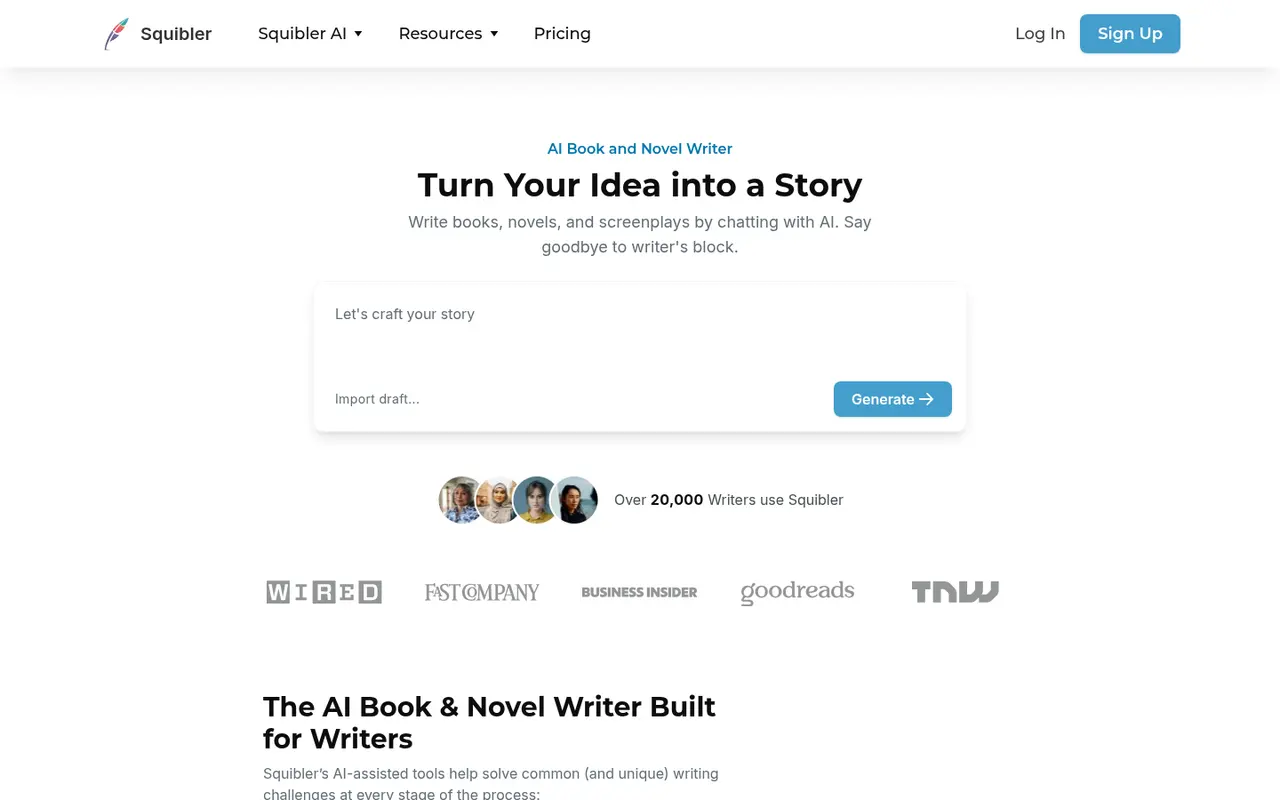
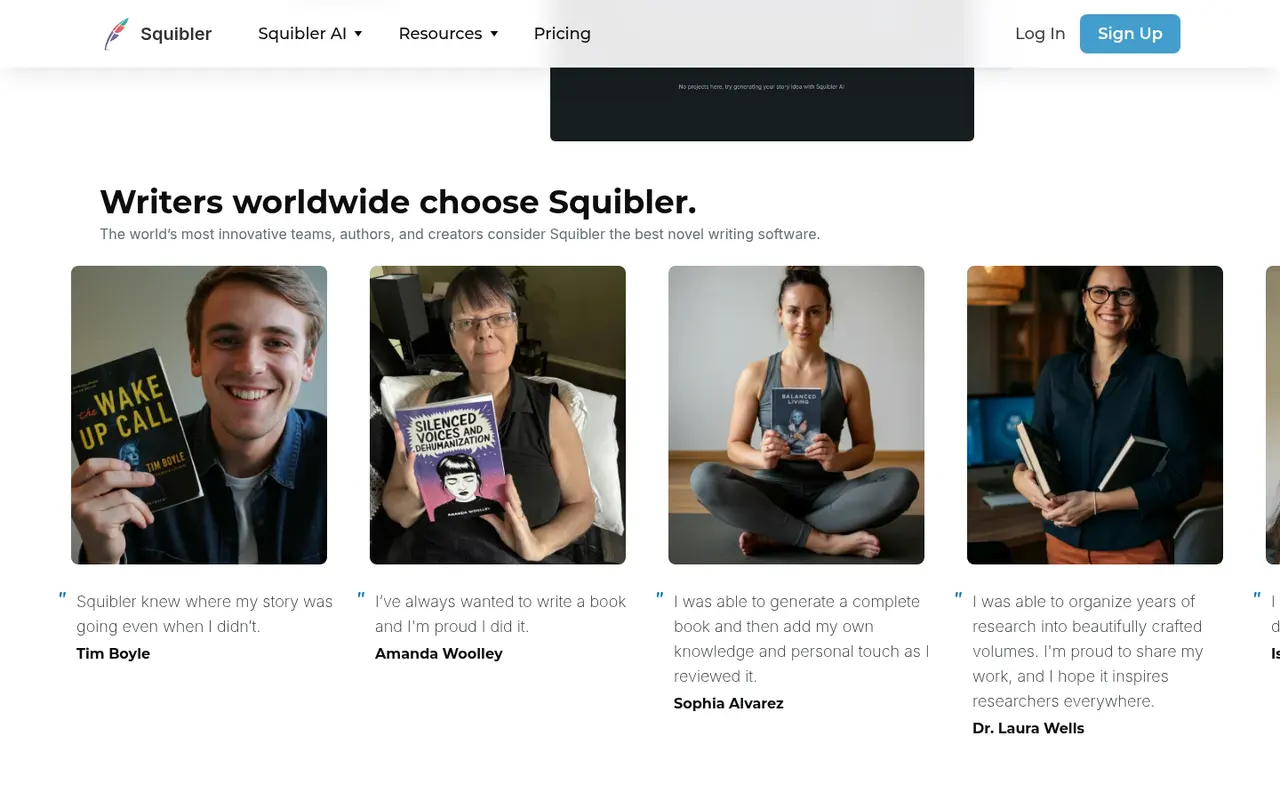
Squibler is an AI writing platform built around generating long-form fiction. It can produce full-length books and screenplays from a prompt, then lets you refine them in an editor with outlines, a Smart Writer assistant, story elements (characters, locations and so on) and visuals. It says it is used by 20,000+ writers.
Who it's for
- Writers who want a fast first draft to react to and rewrite.
- Screenwriters who want AI help in script format.
- Hobbyists exploring an idea before committing.
Writers who want tight control of every sentence may find whole-book generation too hands-off.
Key features in practice
- Book and screenplay generation from a premise.
- Outlines you can restructure before or after generating.
- Smart Writer to continue, expand or rewrite passages in the editor.
- Elements for tracking characters and world details.
- Visuals to generate images for characters and scenes.
Pricing (checked 14 October 2026)
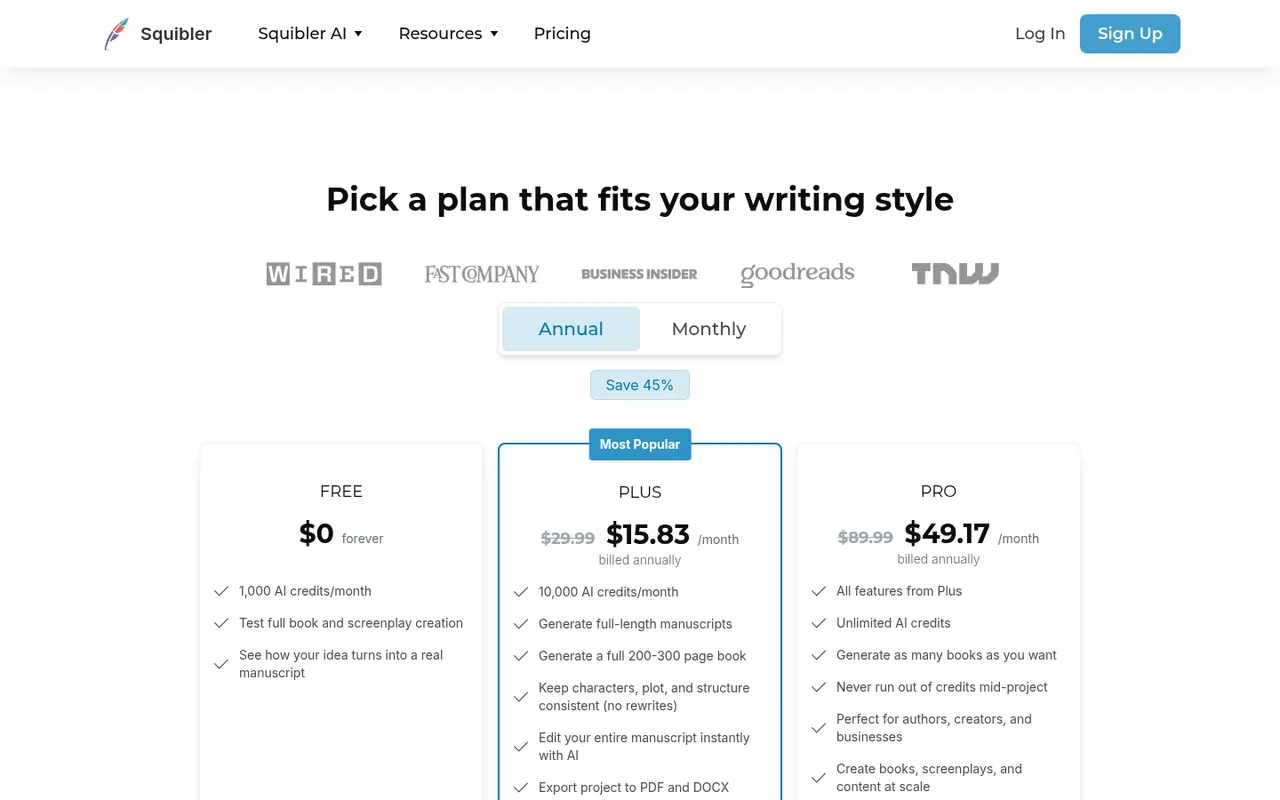
| Plan | Monthly billing | Annual billing (per month) | AI credits |
|---|---|---|---|
| Free | $0 | $0 | 1,000/month |
| Plus | $29.99 | $15.83 | 10,000/month |
| Pro | $89.99 | $49.17 | Unlimited |
How far a credit goes depends on the task. Test on Free first.
Pricing at a glance
Billed monthlyBilled yearly
- Free1,000 AI credits/monthFree$0/mo
- Plus10,000 AI credits/month$29.99/mo$15.83/mo
- ProUnlimited AI credits$89.99/mo$49.17/mo
Using it as a writer
- Write the premise and outline yourself. Generation is only as good as the plan.
- Generate chapter by chapter rather than the whole book at once.
- Use Elements as your series bible.
- Rewrite heavily. Treat the output as a zero draft, and check your publisher's or retailer's AI disclosure rules.
Strengths
- The fastest path to a complete draft.
- Screenplay support alongside prose.
- Useful free tier and cheap annual Plus.
Writer's Toolbelt editorial scores
Squibler scorecard
6.8/10
- Speed to a full draft8/10
- Prose quality6/10
- Author control6/10
- Screenplay support7/10
- Value for money7/10
Weaknesses
- Generated prose needs heavy editing.
- Credit limits on Free and Plus.
- Less granular control than Novelcrafter's codex-driven workflow.
How it compares
- Squibler vs Sudowrite. Sudowrite offers more fiction-specific prose tools.
- Squibler vs Novelcrafter. Novelcrafter lets you bring your own model and gives more control.
- Squibler vs ProseEngine. We make ProseEngine, which also targets novel drafting, so read our comparison with that in mind.
Feature comparison
AI fiction drafting tools compared
| Feature | NovelAI | Squibler | Type.ai | Storysnap | ProseEngine |
|---|---|---|---|---|---|
| Free plan | Yes | Yes | Yes | No | Yes |
| Lowest listed paid price | Yes$10 | Yes$15.83 | Yes$8 | Yes$45 | Yes€8 |
| All paid tiers have published prices | Yes | Yes | Yes | Yes | Yes |
| Competes with ProseEngine (we disclose) | Yes | Yes | Yes | Yes | Yes |
Verdict
Squibler is good at getting something on the page fast, including screenplays. Serious novelists will spend their time rewriting, so try the free plan to see whether its drafts are worth starting from.
FAQ
Is Squibler free? Yes. The free plan includes 1,000 AI credits a month.
How much does Squibler cost? Plus is $29.99 a month, or $15.83 a month billed annually. Pro is $89.99 a month, or $49.17 a month billed annually (checked 14 October 2026).
Can Squibler write screenplays? Yes, according to its site.
Nearby on the shelf
Drafting
ChatGPT
The general assistant most writers already have open. Useful for brainstorming, blurb variants, and line rewrites if you paste the scene and say what you want. It does not hold a novel together unless you build that memory yourself with projects or files, and it will invent sources if you let it.
Best for Writers who want one flexible assistant and will bring their own outline, pages, and skepticism.
FreemiumFiction and nonfictionDrafting
Claude
A general assistant that writers often prefer for long passages, tone, and a calmer revision pass. Projects can hold notes and chapters you upload. It is still a chat, not a novel app: continuity across a whole book is only as good as the pages you put in front of it.
Best for Drafting and revision when you want a careful reader more than a plot machine.
FreemiumFiction and nonfictionDrafting
Gemini
Google's assistant, practical if your research and drafts already live in Docs or Drive. It will brainstorm and rewrite like the other general models, with the same habit of sounding finished before the thinking is. For source-grounded reading, NotebookLM is the closer sibling and is listed on its own.
Best for Writers already working in Google's tools who want a second model without a new app.
FreemiumFiction and nonfiction